At 9 p.m., a prospect reaches your pricing page, decides the product fits, and submits a demo form. The form lands in a queue. Nobody replies until the next morning, when the prospect is already comparing alternatives or has moved on.
That gap between buying intent and a real conversation is where many inbound programs lose pipeline. A 2011 Harvard Business Review lead-response analysis found that companies contacting a lead within an hour were nearly 7 times more likely to qualify it than companies waiting another hour. The same analysis found that only 37% of audited companies responded within an hour, while the average response among companies that did reply within 30 days was 42 hours.
An AI appointment setter can close that gap, but tools in this category don’t all do the same job. Some engage visitors on a website. Others follow up by email, run phone conversations, qualify form submissions, or just make calendar booking easier.
The list below compares each option on the same six criteria, features, pricing model, calendar integrations, CRM sync, accuracy, and human handoff, while placing it by the point where it engages the buyer. For a broader view of voice automation, see this guide to choosing the right AI voice solution.
Table of Contents
- 1. Captiwate
- 2. Qualified with Piper
- 3. Conversica
- 4. 6sense AI Email
- 5. Exceed.ai by Genesys
- 6. Chili Piper
- 7. Calendly with Callie
- 8. Intercom with Fin AI
- 9. Smith.ai
- 10. Regie.ai with RegieGO
- Top 10 AI Appointment Setters, Feature & Performance Comparison
- Matching Your Inbound Motion to the Right Appointment Setter
1. Captiwate
Best for: B2B teams that want to convert high-intent website traffic into live conversations or qualified meetings.
Engagement point: Website, with AI chat, in-browser video, and click-to-meet.
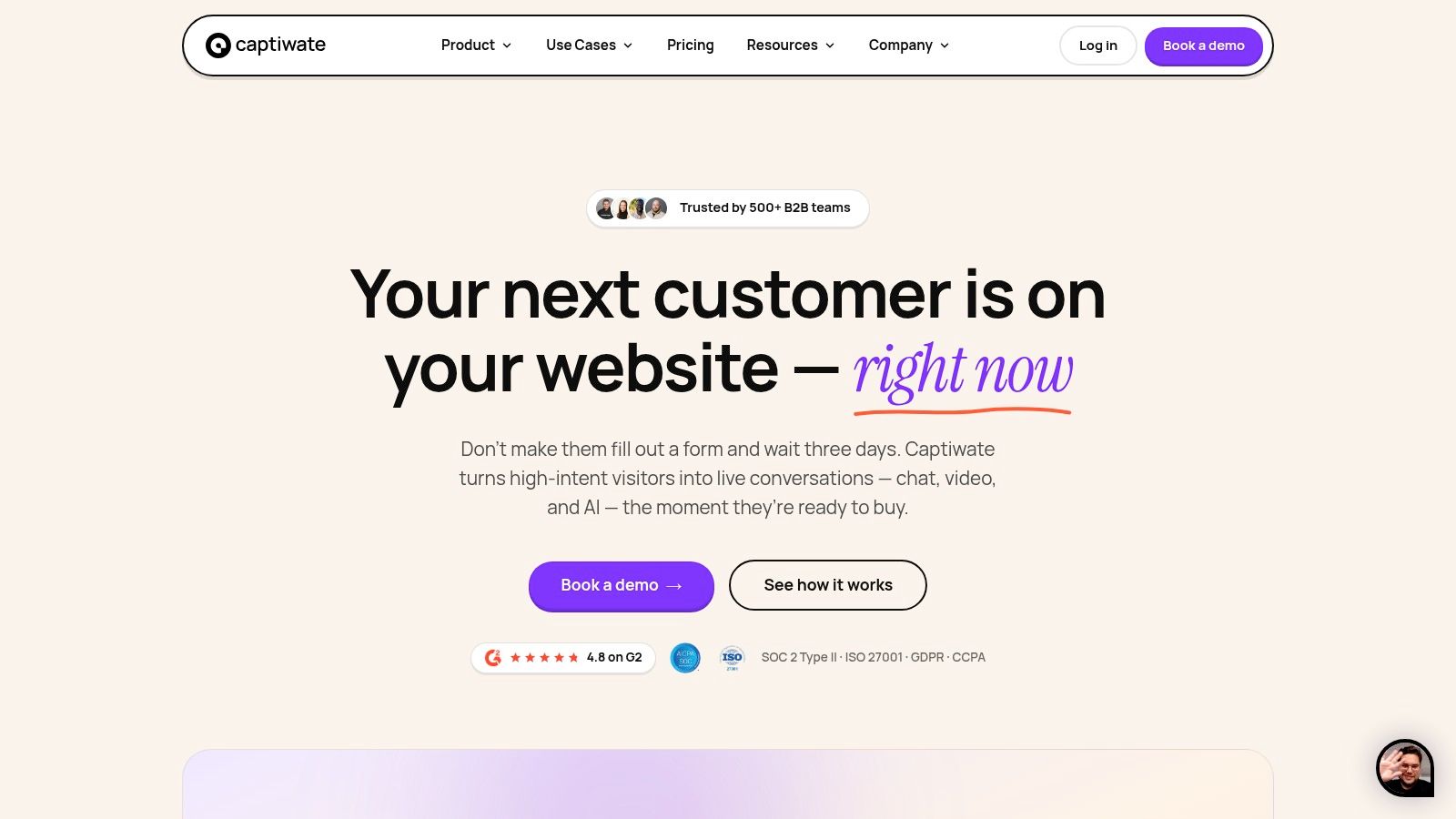
Captiwate takes a conversion-first approach. It detects buying intent from visitor behavior, identifies companies where possible, applies ICP scoring, and offers a direct path to either a human conversation or a scheduled meeting. The important distinction is that the interaction doesn’t have to begin with a form. A prospect can start with AI chat, live video, or one-click booking inside the browser.
The AI layer handles qualification and routing. It can ask about the visitor’s need, identify relevant context, surface available meeting times, and write the interaction back to the CRM. Human representatives can join through in-browser video, co-browsing, or screen sharing, without asking the buyer to download software.
The six-criteria assessment
- Features: Behavioral triggers, visitor identification, ICP scoring, AI chat, live video, co-browsing, screen sharing, automation flows, click-to-meet, reminders, and real-time alerts.
- Pricing model: Traffic-based annual pricing rather than per seat or per conversation. Grow costs $15,000 annually for up to 20,000 monthly visitors, Scale costs $30,000 annually for 20,000 to 100,000 visitors, and Unlimited is custom for 100,000 or more, according to the supplied Captiwate pricing reference.
- Calendar integrations: Google Calendar, Outlook Calendar, and Zoom are included, with scheduling and click-to-meet workflows.
- CRM sync: Native two-way sync with HubSpot and Salesforce, including conversations, meetings, identified accounts, and intent signals.
- Accuracy: The useful accuracy measure isn’t whether the model produces fluent text. It’s whether it identifies intent correctly, asks the required qualification questions, routes to the right representative, and creates a clean CRM record. Captiwate exposes conversation context and behavioral signals so sales teams can review those decisions.
- Human handoff: This is the strongest part of the product. The AI can route a qualified visitor to a representative, trigger Slack or Microsoft Teams alerts, or escalate to live video when the buyer needs a person.
Practical rule: Judge Captiwate by qualified pipeline per visitor and handoff quality, not by chat volume or meetings created alone.
The traffic-band model suits teams with meaningful inbound volume and several representatives. It can be less attractive for a small site with little traffic, especially because the plans are billed annually. It also requires a sales team that can respond when live engagement is offered. The implementation is lightweight, using a single JavaScript snippet, while enterprise controls include SOC 2 Type II and ISO 27001 certification, SSO, data residency options, and configurable privacy settings.
2. Qualified with Piper
Best for: Enterprise B2B organizations that want an AI SDR on the website, with close Salesforce or HubSpot connections.
Engagement point: Website, through text, voice, and video.
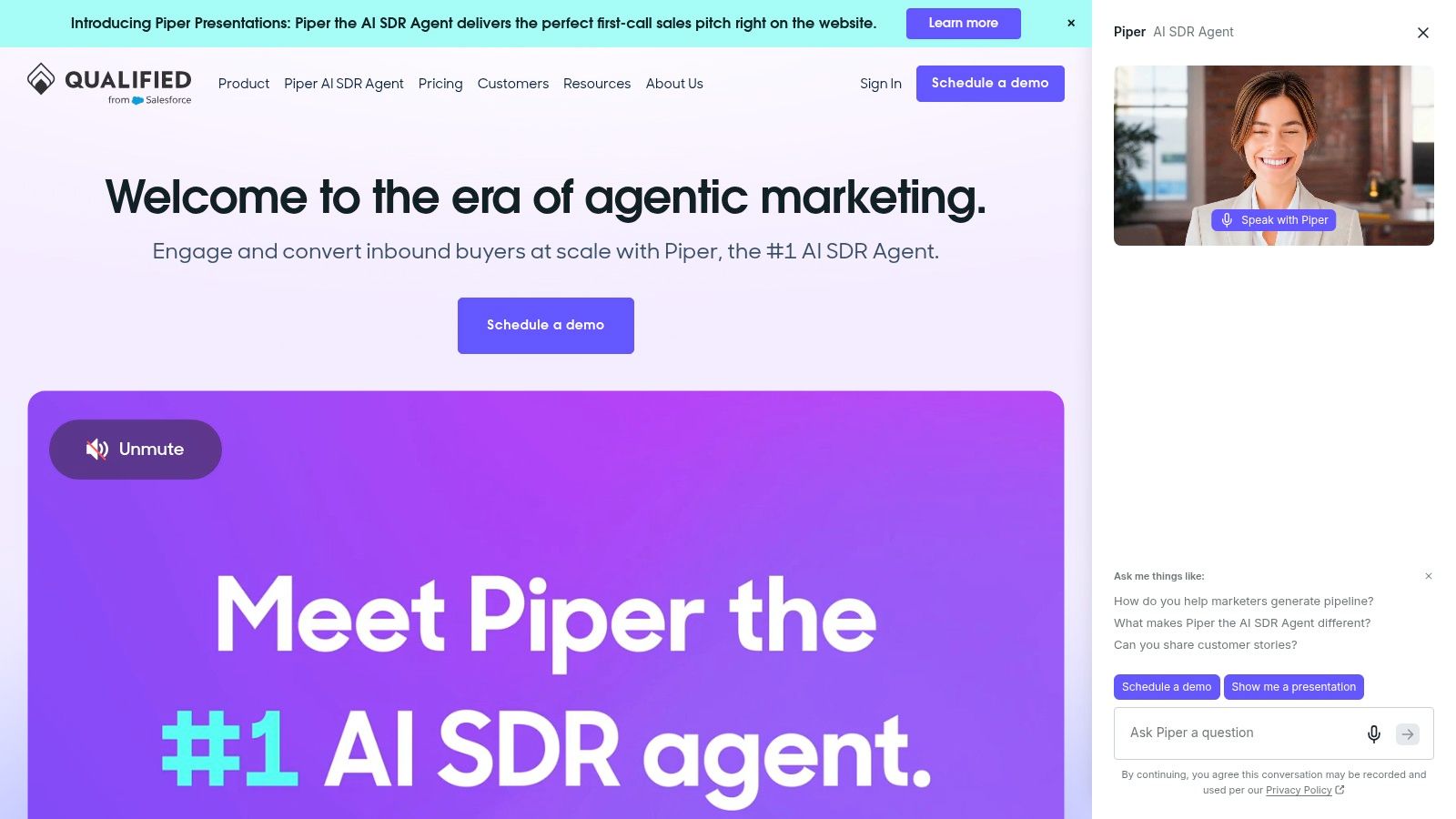
A visitor lands on a pricing page, asks an account-specific question, and needs a useful next step. Qualified’s Piper can hold that conversation, qualify the visitor, and book time with a representative. Text, voice, and video give teams more options than a standard chat widget, particularly on high-intent product and pricing pages.
The Salesforce and HubSpot connection is a practical differentiator. Piper can use CRM context for routing and personalization, so returning accounts do not have to start from a blank conversation.
Rather than judging Piper by meeting volume alone, review how it performs across the full buyer path:
- Features: 24/7 AI SDR conversations, website chat, voice and video engagement, qualification, meeting booking, analytics, and controls for personally identifiable information.
- Pricing model: Pricing is not publicly listed. Expect a sales-led, enterprise-oriented evaluation rather than a self-serve purchase.
- Calendar integrations: The platform is built to schedule meetings for representatives. Confirm calendar support, routing rules, time zones, and round-robin behavior during evaluation.
- CRM sync: Salesforce and HubSpot are central to the product’s positioning. Routing and personalization can use CRM data.
- Accuracy: Test real objections, incomplete answers, and ambiguous buying signals. The qualification playbook, account data, and escalation rules will shape results more than fluent wording.
- Human handoff: Piper can route qualified visitors to sellers or book a meeting. Confirm whether the representative receives pages viewed, answers, intent signals, and unresolved objections.
Qualified suits teams with a structured inbound SDR process and enough sales capacity to respond to live engagement. It may be excessive when the only goal is reducing form friction, because Piper is an AI agent rather than a scheduling layer. For a broader category comparison, see Qualified alternatives and what the Salesforce acquisition means for your sales stack. Test the handoff inside the CRM before committing.
3. Conversica
Best for: Revenue teams that qualify leads across email, SMS, and website conversations.
Engagement point: Email first, with SMS and web chat support.
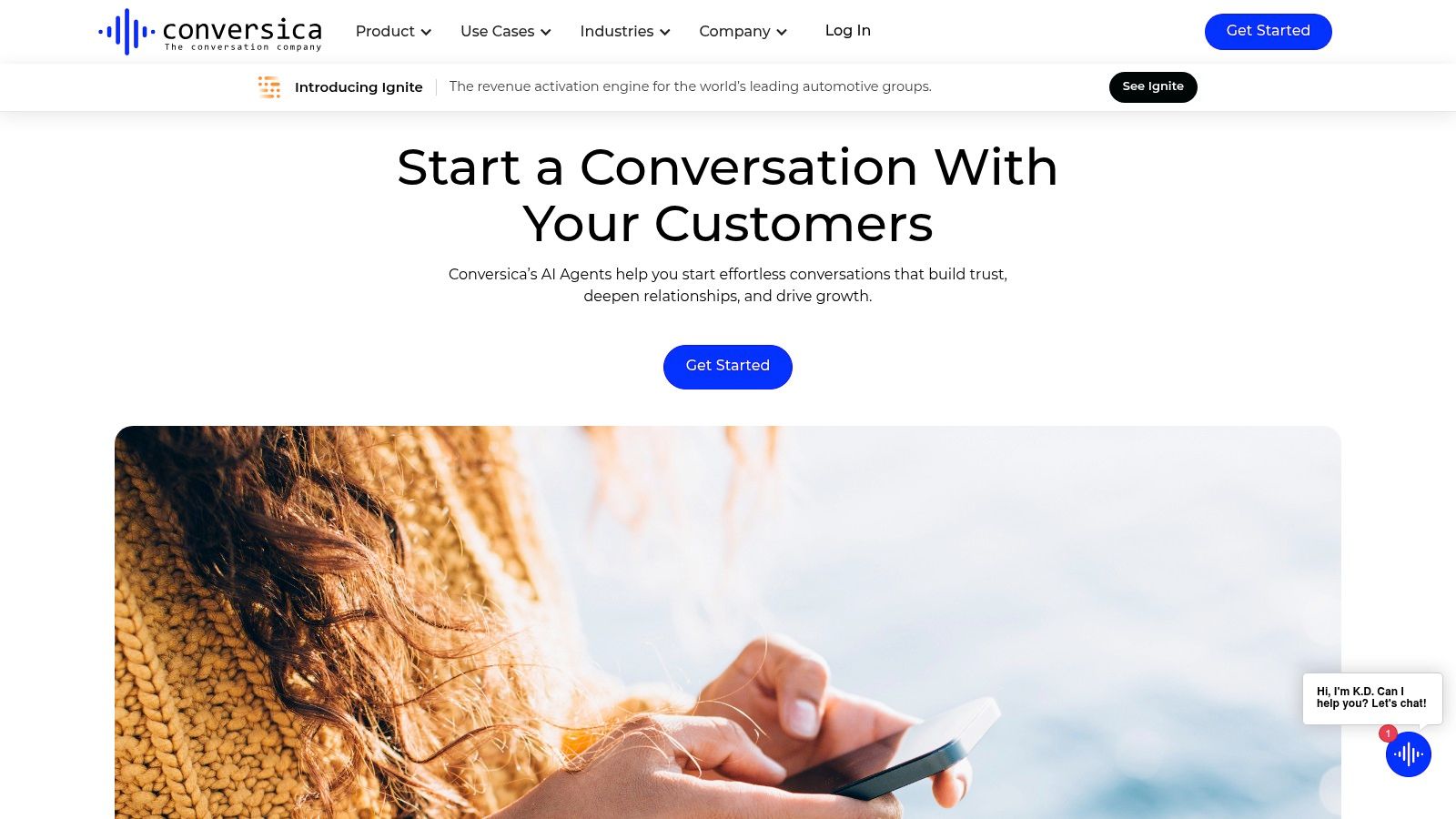
A lead submits a form, then goes quiet. Conversica can continue that conversation by email, ask qualification questions, follow up through SMS or web chat, and book a meeting when the buyer is ready. It can also pass the conversation to a representative. This makes it a broader revenue assistant than a website scheduling layer, particularly for teams working from forms, imported leads, or existing databases.
The trade-off is administration. Playbooks, routing logic, data fields, ownership rules, and follow-up timing all need deliberate setup. A well-maintained configuration can handle repetitive conversations across several channels. A rushed setup can produce uneven qualification and handoffs that leave sellers without enough context.
Use the same six checks before buying:
- Features: Two-way email, SMS, and web chat, lead qualification, follow-up playbooks, scheduling, and conversation analytics.
- Pricing model: Pricing is not publicly listed. Expect an enterprise sales process rather than a self-serve purchase.
- Calendar integrations: Conversica supports shared links and calendar-connected scheduling workflows. Confirm calendar support, routing rules, time zones, and booking behavior for the sales team.
- CRM sync: Map required fields, lifecycle stages, and ownership rules before launch. The platform is intended to operate within wider sales and marketing workflows.
- Accuracy: Test incomplete answers, objections, and unclear buying signals. Define accepted responses, disqualification reasons, escalation triggers, and the information a seller needs.
- Human handoff: Review whether the representative receives a useful conversation summary, qualification details, and unresolved questions, or must reconstruct the exchange.
Conversica fits organizations with several lead sources and an inbound motion built around consistent follow-up. It is less suitable for teams that only need instant website booking or a lightweight scheduling link. Its value rises when email and SMS are already part of lead management.
4. 6sense AI Email
Best for: ABM teams that already use 6sense intent and account data.
Engagement point: Email, connected to account-level intent workflows.
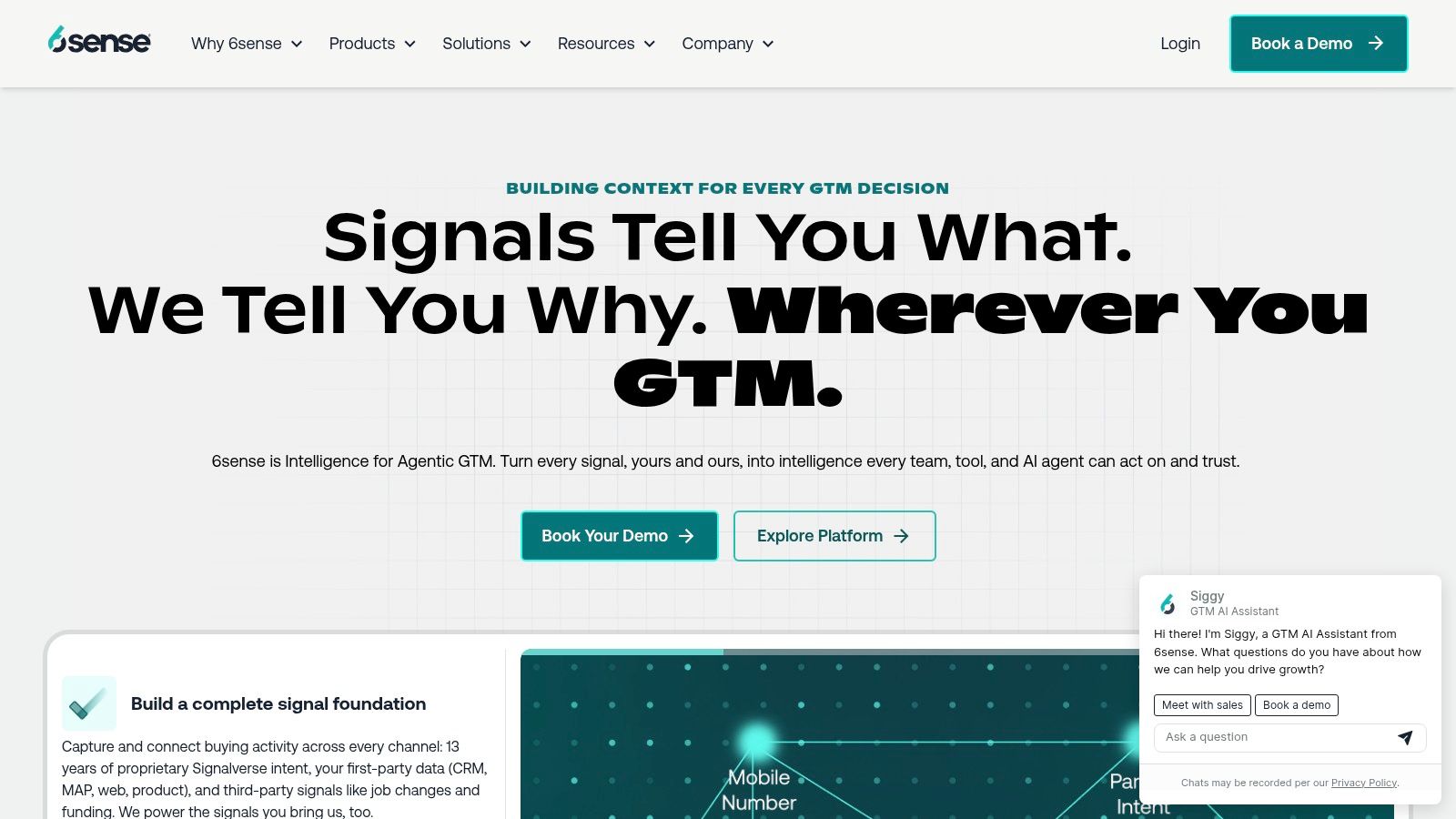
A pricing-page visitor needs an immediate answer. A prospect identified through account intent may need a targeted email sequence instead. 6sense AI Email serves the second motion, managing two-way email conversations, replying to interest, following up, and prompting meeting requests after the website visit.
Its practical advantage comes from the wider 6sense platform. Account context and intent signals can influence who receives attention and which topics the conversation addresses. That connection makes the tool more useful for an ABM team with account tiers, buying signals, and established sales workflows.
The trade-off is fit. Teams that do not use 6sense may find the surrounding intelligence less valuable than a standalone email or website scheduler.
Before deployment, check five operating points:
- Features: Automated replies, follow-ups, meeting requests, API options, and access to 6sense intent and account context.
- Pricing model: Custom packaging through a sales engagement process. Commercial value depends on the broader 6sense deployment.
- Calendar integrations: Confirm calendar ownership, available-time rules, routing, and booking behavior for each sales segment.
- CRM sync: The platform fits Salesforce and broader CRM workflows. Review API requirements for custom processes or non-Salesforce environments.
- Accuracy and human handoff: Test whether replies interpret intent without over-qualifying weak signals or making unsupported assumptions. When a prospect requests a meeting or reaches the agreed qualification threshold, the seller should receive the originating intent signal, qualification context, and full email thread.
6sense AI Email reduces manual SDR follow-up. It does not replace a website engagement layer for visitors seeking an instant response. Choose it when email is the bottleneck and 6sense already supplies the account intelligence.
5. Exceed.ai by Genesys
Best for: High-volume inbound teams that need automated email and chat follow-up under an enterprise customer-experience vendor.
Engagement point: Email and website chat after a lead enters the system.

A form submission can leave an inbound queue untouched while an SDR handles higher-priority work. Exceed.ai addresses that gap by engaging leads through email or chat, asking qualification questions, booking a representative, and following up after the meeting. Its value is sustained coverage rather than a single live website interaction.
Genesys ownership may suit enterprise buyers already standardizing customer-experience tools. Procurement teams should confirm the current product scope, since documentation and internal references may still use Exceed.ai’s earlier identity.
Instead of treating the platform as a simple scheduler, assess the operating details that affect conversion:
- Features: Automated email and chat engagement, qualification, scheduling, rescheduling, no-show recovery, CRM synchronization, and marketing automation connections.
- Pricing model: Pricing is not public and is generally handled through an enterprise contract. Compare the package with the lead volume and workflows you expect to support.
- Calendar integrations: Exceed.ai is designed to book directly onto representative calendars. Confirm the supported calendar platform, routing model, buffer rules, and rescheduling behavior.
- CRM sync: CRM and marketing automation connections can preserve lead status and post-meeting activity. Test field mapping, ownership changes, and failure handling before launch.
- Accuracy: Review whether the agent distinguishes a genuine buying conversation from a generic reply. Audit transcripts for missed qualification answers, unsupported assumptions, and incorrect routing.
- Human handoff: Sellers should receive the qualification answers, meeting context, and objections raised before booking. Otherwise, automation has only moved discovery work to the next stage.
Exceed.ai fits a process-led inbound operation with recurring follow-up requirements. It suits teams that need email and chat coverage across a large queue, while a small business seeking a self-serve website booking widget may find it broader than necessary. Evaluate it as an AI engagement agent, not merely as a calendar layer.
6. Chili Piper
Best for: B2B teams converting completed forms into immediate, correctly routed meetings.
Engagement point: Form submission followed by calendar booking.
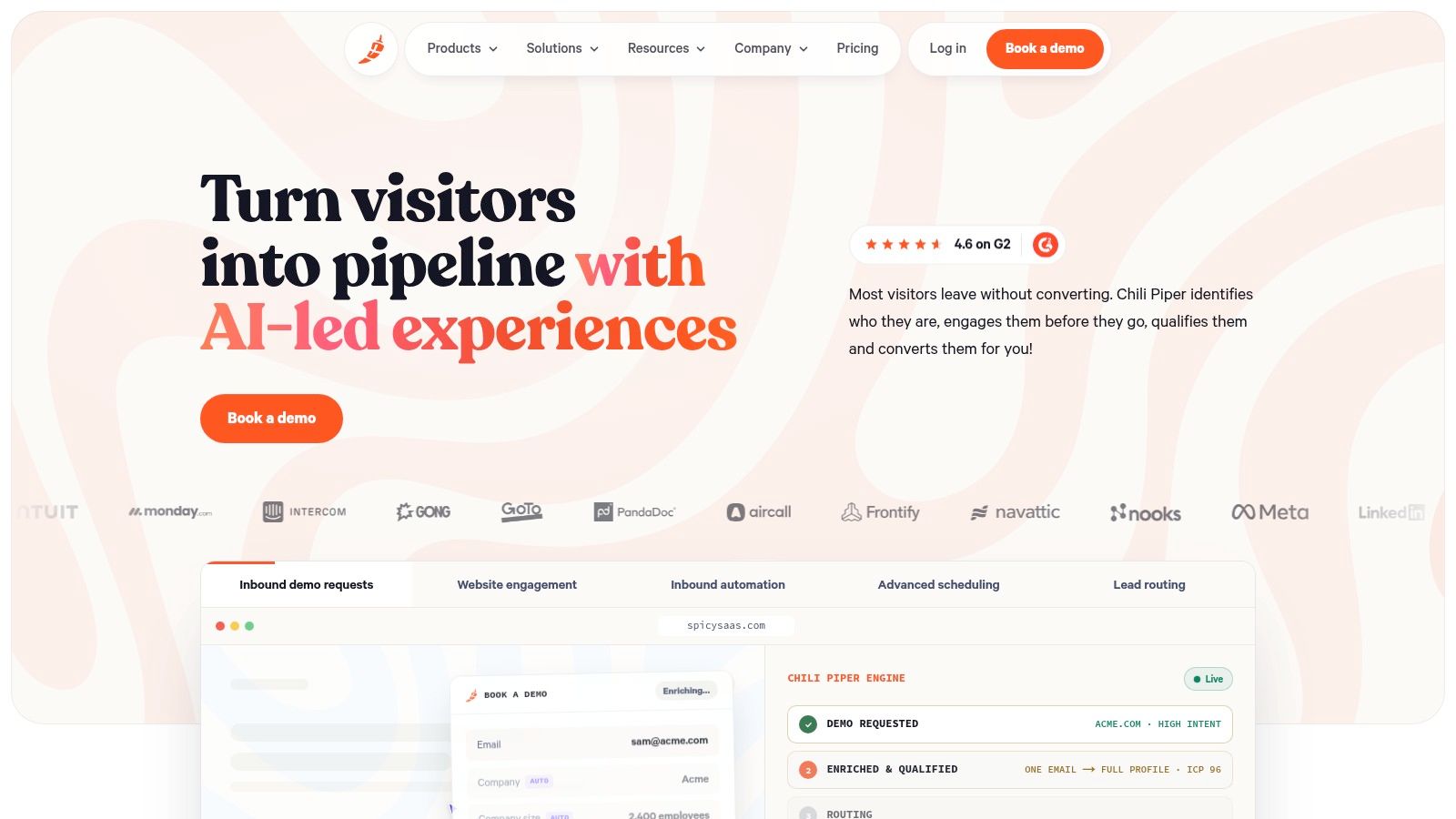
A prospect submits a demo form, qualifies against the fields you selected, and receives an appropriate calendar before interest cools. Chili Piper is built for that handoff. It is a lead-conversion and scheduling layer rather than a full conversational AI agent that answers broad product questions or engages anonymous website visitors.
That distinction affects where it belongs in an inbound stack. For a high-intent form, an extended AI conversation can create unnecessary friction. Chili Piper keeps the path short, using ownership, territory, and round-robin rules to place the buyer with the right representative.
How it performs against the six criteria
- Features: Form Concierge, qualification fields, one-click booking, territory and account-owner routing, round-robin assignment, spam filtering, handoff workflows, and meeting preparation.
- Pricing model: Pricing varies by product and commercial package. Confirm which features are included, along with contract terms, before comparing it with a broader AI agent.
- Calendar integrations: Calendar routing is the product’s core job. Test representative availability, ownership rules, territory logic, round-robin distribution, buffers, and rescheduling behavior in your actual setup.
- CRM sync: Routing depends on reliable CRM fields for account ownership, territory, qualification, and lifecycle status. Stale or incomplete records can send a qualified buyer to the wrong seller.
- Accuracy: Performance depends more on rule accuracy than open-ended language understanding. Review form mapping, routing decisions, and edge cases such as missing or conflicting account data.
- Human handoff: The buyer books directly with the assigned seller, while the form responses and routing context remain available to sales and marketing. Confirm that those details reach the meeting record and notifications.
Chili Piper suits demo forms and high-intent landing pages where the buyer has already raised a hand. It does not replace a website agent that answers questions, qualifies visitors before form completion, or starts a conversation with anonymous traffic. Teams assessing phone-led workflows can also review tools that support call scheduling.
7. Calendly with Callie
Best for: Teams that need a familiar scheduling layer, team routing, and email-based AI assistance.
Engagement point: Email and calendar, after a buyer or seller has started the conversation.
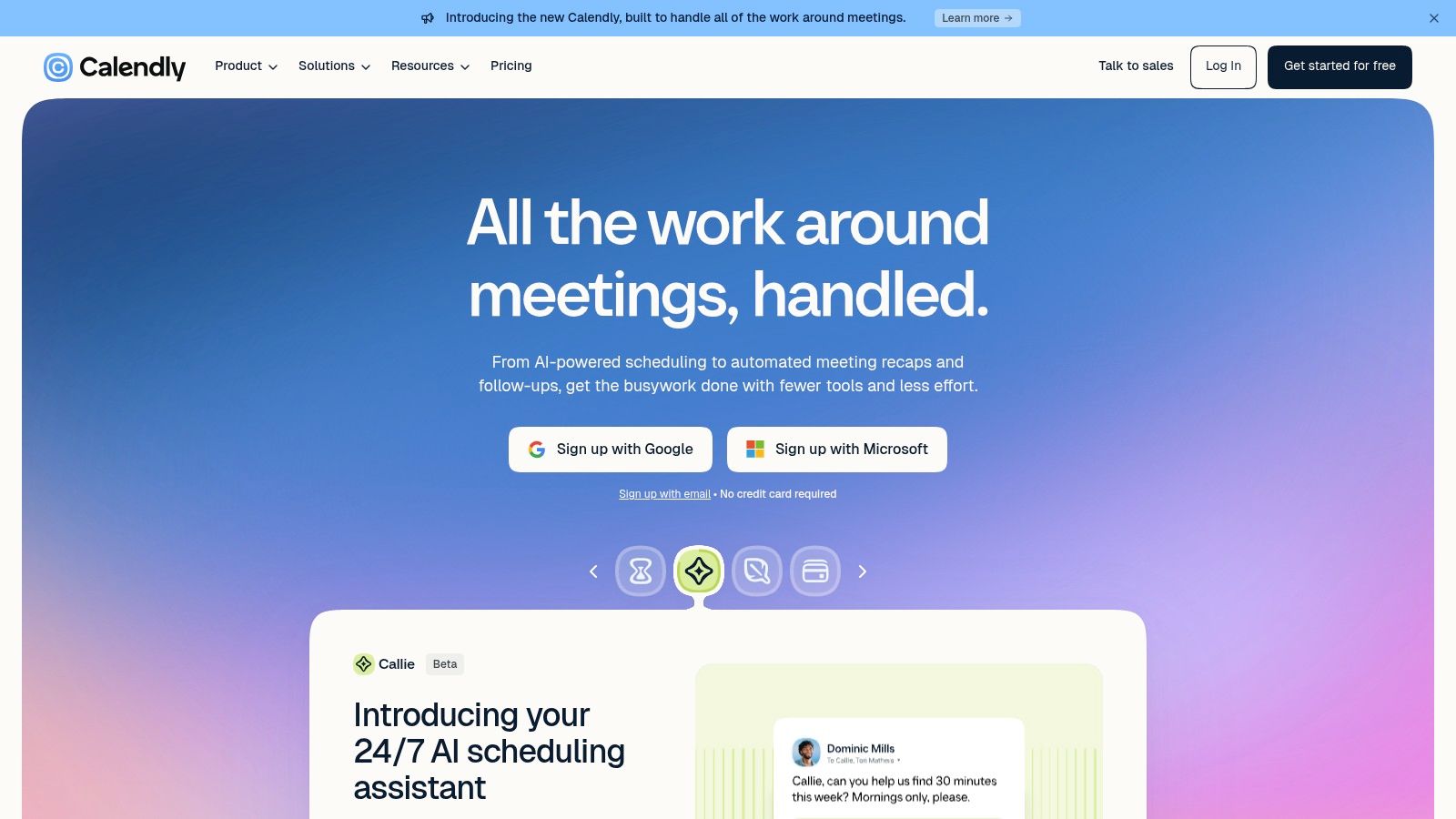
A prospect replies to an email, suggests a broad time window, and leaves the sales rep to coordinate the rest. Callie can handle that exchange, propose available times, and book the meeting from the inbox. Calendly then provides the scheduling rules underneath, including team routing, round-robin assignment, and administrative controls.
That setup suits organizations standardizing scheduling across sales and other customer-facing teams. It does not suit a team looking for an AI agent to qualify anonymous website visitors, answer pricing questions, or open a sales conversation from behavioral intent.
How it performs against the six criteria
- Features: Team scheduling, round-robin assignment, routing, booking links, administrative controls, and Callie for negotiating meeting times by email.
- Pricing model: Calendly uses seat-based plans, which are easier to compare than many enterprise AI-agent packages. Costs increase as the user count and routing requirements grow.
- Calendar integrations: Calendar synchronization is the foundation. Test availability, buffers, time zones, working hours, and shared team calendars before rollout.
- CRM sync: Calendly connects with CRM and go-to-market systems. Complex account ownership or territory rules may need extra configuration or another routing tool.
- Accuracy: The relevant test is whether Callie understands the email context and offers valid times. It is not a deep qualification engine, so reps still need to assess fit.
- Human handoff: The rep stays in the email thread while Calendly manages the scheduling exchange. The handoff is simple, though it carries less buying context than a full AI SDR.
Calendly is a practical choice when calendar coordination slows response time. Teams comparing scheduling layers can review Calendly alternatives for streamlined scheduling. Choose it for fewer scheduling emails, not for website-based qualification.
8. Intercom with Fin AI
Best for: Teams already using Intercom for messenger, inbox, support, and automation.
Engagement point: Website messenger, where a sales conversation can end with a booked meeting.
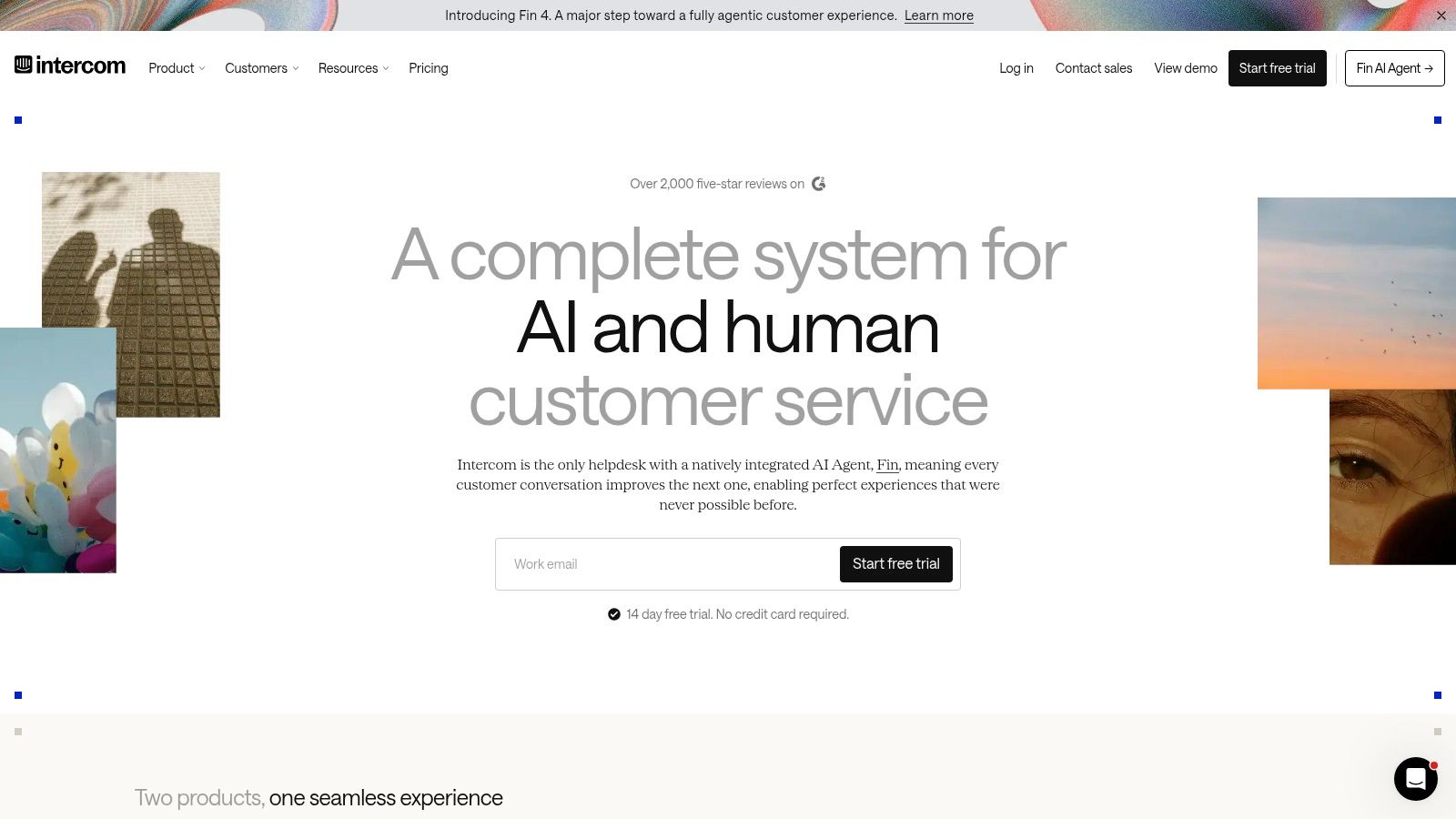
A visitor can ask a product question, receive an answer from Fin AI, and book time with sales in the same chat. Connected calendars and CRM systems carry the conversation into the sales workflow. That makes Intercom more suitable for website engagement than for teams that only need a scheduling layer.
The trade-off is operational effort. Fin sits between support automation and sales qualification, so its knowledge base, routing rules, and booking conditions need regular review. A visitor may need accurate product guidance before discussing a meeting.
Fin works best when support and sales already share Intercom. If you only need a booking form, its wider feature set and resolution-based billing may add cost without adding much value.
- Features: Fin AI, native messenger, shared inbox, automation, knowledge-based answers, routing, and meeting booking.
- Pricing model: Fin AI uses per-resolution billing. Broader Intercom costs also depend on seats and the selected package, so estimate resolution volume before launch.
- Calendar integrations: Meeting-booking outcomes can connect to calendars. Test time zones, meeting types, buffers, working hours, and representative availability.
- CRM sync: Intercom can connect with CRM systems such as HubSpot, allowing lead and conversation context to move into sales workflows.
- Accuracy: Results depend on the quality, coverage, and limits of the knowledge base. Review correct answers, qualified conversations, and booking attempts made without enough context.
- Human handoff: The shared inbox supports escalation when a visitor requests a person, raises a technical issue, represents a high-value account, or leaves Fin uncertain.
Choose Intercom when website chat is already part of the inbound motion and sales needs the surrounding conversation context. Treat per-resolution billing as a workflow cost, not only a software fee.
9. Smith.ai
Best for: Phone-first inbound teams and service businesses that need AI coverage with human backup.
Engagement point: Phone and chat, with live receptionist escalation.
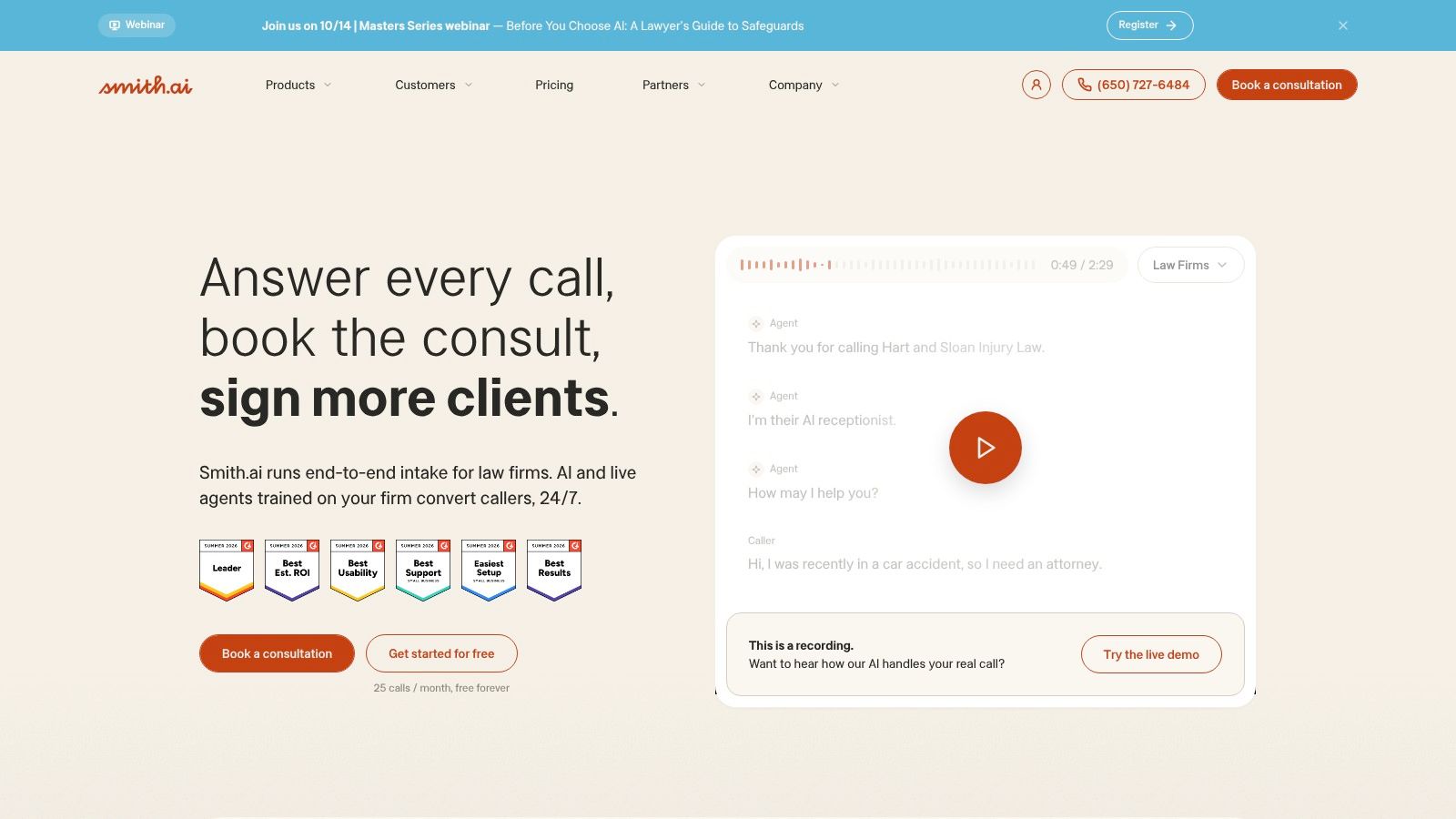
A caller reaches Smith.ai through a phone line or chat entry point. The AI receptionist collects details, handles basic qualification, and offers available appointment times. If the request becomes complex or the caller asks for a person, a live receptionist can take over with the conversation context.
That workflow suits service businesses and inbound teams where missed calls affect revenue. It also gives phone-led buyers a direct route to booking, rather than asking them to switch to a website form.
The trade-off is channel fit. Smith.ai is not a website-first sales development agent, so it will not provide the same in-browser experience as tools built around visitor intent. Use it when phone coverage is a primary requirement, or when chat and phone need one intake process.
- Features: AI receptionist, live human escalation, call and chat intake, qualification, scheduling, CRM connections, and bilingual coverage options.
- Pricing model: Costs vary with call and chat volume, service level, and add-ons. Compare forecast usage with the number of conversations likely to require a human.
- Calendar integrations: Smith.ai can schedule appointments and synchronize with calendars. Test booking rules, appointment types, time zones, availability, and rescheduling behavior.
- CRM sync: CRM connections can preserve caller details and outcomes. Confirm which fields, call summaries, and notes are written automatically.
- Accuracy: Voice performance depends on transcription, intent recognition, pronunciation handling, and the intake script. Test accents, interruptions, ambiguous requests, and urgent scenarios before launch.
- Human handoff: Human backup is Smith.ai’s main differentiator. Set escalation rules and confirm that the live receptionist receives enough context to avoid repeating intake questions.
Smith.ai fits teams that require a human fallback as part of the operating model. For complex B2B product discovery, a specialist sales handoff may still provide more useful context than a phone receptionist workflow.
10. Regie.ai with RegieGO
Regie.ai with RegieGO fits founder-led sales teams and small SDR groups that need outbound prospecting, qualification, and meeting creation in one workflow.
Engagement point: Email, phone, and outbound sequences.
A team can use RegieGO to build prospect lists, enrich and verify records, draft customized messages, run multichannel sequences, dial prospects, and respond through agent-led outreach. Its value appears before a buyer reaches the website, where consistent prospecting matters more than instant inbound response.
That positioning also defines the trade-off. A visitor already comparing pricing usually needs a website agent or scheduler, not an outbound sequence. Regie.ai is better suited to creating demand and converting positive replies into meetings.
How RegieGO fits the six criteria
- Features: Prospecting agents, list building, enrichment, verification, personalized messaging, multichannel outreach, power dialing, and compliance controls. Review which channels the team will operate before enabling the full set.
- Pricing model: Regie.ai offers self-serve entry points and credit-based usage. Track consumption because messaging, enrichment, and dialing may draw from separate usage pools.
- Calendar integrations: The booking step must check seller availability and apply the correct meeting type. Test time zones, routing rules, round-robin assignment, and rescheduling with real calendars.
- CRM sync: HubSpot and Salesforce synchronization can keep outbound activity connected to the sales process. Map ownership, activity, reply status, and meeting outcomes before launch.
- Accuracy: Personalization and qualification relevance determine whether outreach earns a reply. Incorrect account details or generic messages can create weak conversations even when the writing is grammatically correct.
- Human handoff: Route positive replies, complex questions, and accepted meetings to a seller with the full message history, account context, and stated reason for interest.
Regie.ai works best for teams with an outbound motion. Inbound website traffic will usually require a separate conversational agent or scheduling layer. Compare its category with other AI SDR software options before choosing the right entry point for your buyer journey.
Top 10 AI Appointment Setters, Feature & Performance Comparison
| Product | Core features ✨ | UX / Quality ★ | Target audience 👥 | Price / Value 💰 |
|---|---|---|---|---|
| 🏆 Captiwate | In‑browser live video, 24/7 AI chat, intent & visitor ID, co‑browsing, native CRM & Slack/Teams sync | ★★★★★ (sub‑min speed‑to‑lead; 3–5× demo uplift) | 👥 B2B inbound, ABM/PLG teams, SDRs, RevOps | 💰 Traffic‑based: Grow $15k/yr; Scale $30k/yr; Unlimited custom, unlimited seats/convos |
| Qualified (Piper) | Real‑time AI SDR (chat/voice/video), deep Salesforce/HubSpot integrations | ★★★★☆ (enterprise CRM focus) | 👥 Enterprise inbound & revenue teams | 💰 Enterprise pricing (not public) |
| Conversica | Two‑way email/SMS/web chat AI, industry playbooks, scheduling | ★★★★ (mature automation & qualification) | 👥 Mid→enterprise sales ops, nurture teams | 💰 Custom enterprise pricing |
| 6sense AI Email | Two‑way email automation with intent & account context (part of 6sense) | ★★★ (best paired with 6sense platform) | 👥 ABM teams already using 6sense | 💰 Custom; best value when bundled |
| Exceed.ai (Genesys) | Email/chat AI assistant, scheduling, CRM/MA sync | ★★★★ (enterprise scale & no‑show recovery) | 👥 High‑volume inbound, enterprise | 💰 Enterprise contracts (not public) |
| Chili Piper | Form Concierge, instant booking, advanced routing & handoffs | ★★★★ (reduces form friction/time‑to‑meet) | 👥 Inbound demo teams, ops-driven GTM | 💰 Seat/feature pricing (published tiers) |
| Calendly (Callie) | Team routing, round‑robin, AI email assistant for inbox scheduling | ★★★★☆ (familiar UX; easy adoption) | 👥 Broad GTM teams; SMB → enterprise | 💰 Seat‑based tiers; cost‑effective for many teams |
| Intercom (Fin AI) | Messenger + Fin AI booking, shared inbox, automation | ★★★★ (per‑resolution AI pricing) | 👥 Product‑led companies combining support & sales | 💰 Per‑resolution AI + seat costs; scales with usage |
| Smith.ai | AI receptionist + 24/7 human agents for calls/chats & scheduling | ★★★ (human fallback; reliable phone coverage) | 👥 SMBs, service firms, phone‑first teams | 💰 Volume‑based (calls/chats) + add‑ons |
| Regie.ai (RegieGO) | Outbound AI agents: list building, personalization, dialing & sync | ★★★★ (strong outbound automation) | 👥 Outbound SDRs, founder‑led sales teams | 💰 Self‑serve tiers; free tier + credit usage model |
Matching Your Inbound Motion to the Right Appointment Setter
Start with the buyer’s entry point, not the vendor’s feature list. If the highest-intent action happens on a pricing page, shortlist website agents such as Captiwate, Qualified, or Intercom. If the buyer submits a form and is ready to talk, compare Chili Piper with a broader AI agent only if qualification is still incomplete.
Email-led motions need a different evaluation. Conversica, 6sense AI Email, Exceed.ai, Calendly with Callie, and Regie.ai can all participate after a message or lead record exists, but they solve different problems. Conversica and Exceed.ai focus on qualification and follow-up. 6sense AI Email uses account and intent context. Calendly handles scheduling. Regie.ai is strongest when the motion is outbound.
Phone-first teams should evaluate Smith.ai against their existing reception or call-routing process. Ask whether the system can recognize when a caller needs a specialist, transfer without losing context, and record the outcome in the CRM. A human fallback is valuable only when the handoff is fast and the receiving person has the information needed to continue.
The most important distinction is between an AI agent and a scheduling layer. An agent interprets language, asks questions, qualifies intent, and decides when to escalate. A scheduling layer presents availability and applies routing rules. Chili Piper and Calendly can be excellent choices when the buyer is already qualified. They won’t replace a conversation system where the buyer needs answers first.
Use a practical pilot
Pick two or three tools from the category that matches your motion. Give each the same qualification fields, calendar rules, CRM requirements, and escalation conditions. Test real scenarios, including incomplete answers, requests for a human, wrong time zones, rescheduling, technical questions, and low-intent visitors.
Track more than booked meetings. The Salesforce 2024 State of Sales survey, which covered 5,500 sales professionals, reported that 81% of sales teams were experimenting with or had implemented AI. The same survey found that AI-using teams reported year-over-year revenue growth more often than teams not using AI, 83% versus 66%, but Salesforce presents this as a self-reported correlation, not proof that AI caused the difference.
Your pilot should therefore measure speed-to-lead, qualified-meeting rate, show rate, sales acceptance, opportunity creation, and pipeline per conversation. Also measure handoff accuracy, human override rate, seller re-discovery time, and disqualification reasons. A meeting that an account executive rejects immediately isn’t a successful appointment.
Buyer trust belongs in the test plan. The supplied G2 research notes that nearly two-thirds of surveyed B2B software buyers wanted more human oversight than expected, while only 15% of surveyed consumers reported experiencing a smooth AI-to-human handoff despite 78% saying the ability to switch to a human was important (G2’s AI agents research). Give prospects a clear way to request a person, disclose the AI interaction where appropriate, and pass the seller the pages viewed, stated need, qualification answers, objections, and consent status.
No-shows deserve equal attention. Recent scheduling reporting estimates cold-booked B2B meeting no-shows at roughly 32% in 2025, compared with about 18% in 2020, while typical B2B no-show rates are reported at 20% to 40% (Callbox’s appointment-setting analysis). Treat reminders, agenda previews, easy rescheduling, and confirmation of genuine intent as part of the setter workflow.
Map your highest-intent entry point, shortlist the tools built for that channel, then run a live pilot against your own CRM and calendar rules before signing annual terms. If your team needs a human to take over at the right moment, include that requirement from the first demo. Teams that want to compare software with a person-led model can also hire a remote appointment setter, but they should use the same pipeline and handoff metrics for both approaches.
Captiwate combines website AI chat, in-browser live video, intent detection, qualification, click-to-meet scheduling, and CRM handoff in one B2B inbound workflow. If your pricing and product pages already attract serious buyers, visit Captiwate to see how the platform can turn those moments into qualified conversations without adding form friction.