
Your rep opens the video room at 10:00, waits seven minutes, checks Slack, then sends the message no manager wants to read. The prospect booked on Tuesday and forgot by Thursday. That’s rarely a buying-intent problem. It’s usually a reminder problem, a generic calendar ping, the wrong send time, or an email that never asked the prospect to confirm.
The fix isn’t more mail. It’s the right sample meeting reminder email at the right moment, with one clear action. Below are seven copy-ready templates, each with a send window, a subject line, and the failure mode that kills it. The same discipline helps in other booking-heavy fields, too, including efforts to prevent missed consultations with Attorney Assistant.
Steal the structure, swap in the prospect’s name, problem, and local time, and you’ll stop relying on calendar notifications to do a sales job.
Table of Contents
- 1. 24-Hour Advance Meeting Reminder
- 2. Same-Day Starting Soon Reminder
- 3. Confirmation and Reminder Combined Email with Reschedule Option
- 4. Pre-Meeting Preparation Reminder
- 5. Product Demo Setup Reminder with Screen Share Instructions
- 6. Missed Meeting Recovery Reminder
- 7. Executive Briefing Reminder for C-Level and VP Attendees
- How the seven meeting reminder email types compare
- Build a Reminder Sequence That Holds Attendance
1. 24-Hour Advance Meeting Reminder
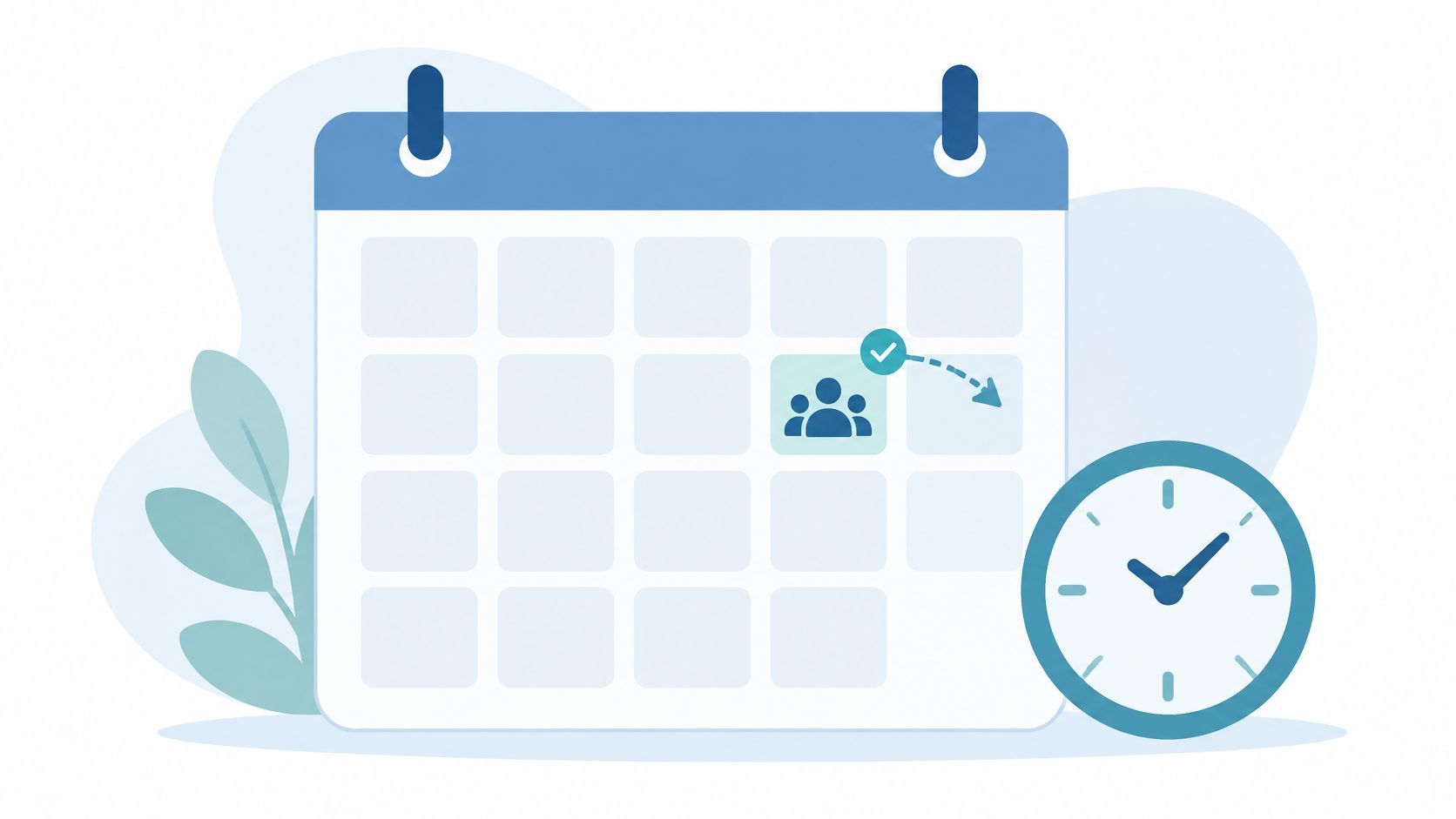
Send window: 24 hours before, in the recipient’s morning. This is your workhorse. It gives a busy prospect time to move conflicts while the meeting is still easy to save, and it turns a passive invite into a deliberate yes, I’m coming.
Copy this version
Subject: Tomorrow at 10:00 ET, [First name]?
Hi [First name], quick reminder we’re meeting tomorrow, Thursday at 10:00 a.m. ET (7:00 a.m. PT) to map [specific problem from first call]. Join here: [link]. Still good? Reply confirm, or grab a new time here: [reschedule link].
[Rep name]
Say a SaaS rep booked a Thursday discovery call. The Wednesday email names the reporting gap the prospect mentioned, puts Confirm and Reschedule above the signature, and stays under 100 words. A consultant running a workshop can attach the one-page agenda here, not a deck.
A 2023 systematic review in the U.S. National Library of Medicine examined 61 studies and found reminders appeared in 56 studies, with significant evidence they can reduce non-attendance, though results varied by channel. Treat that as support for a process, not a guaranteed lift.
Failure mode: no time zone, no action. If the prospect has to open the invite to find the link, you’ve lost. The same clarity principle sits behind advice on how to schedule tutoring sessions efficiently, where the next step is never buried.
2. Same-Day Starting Soon Reminder
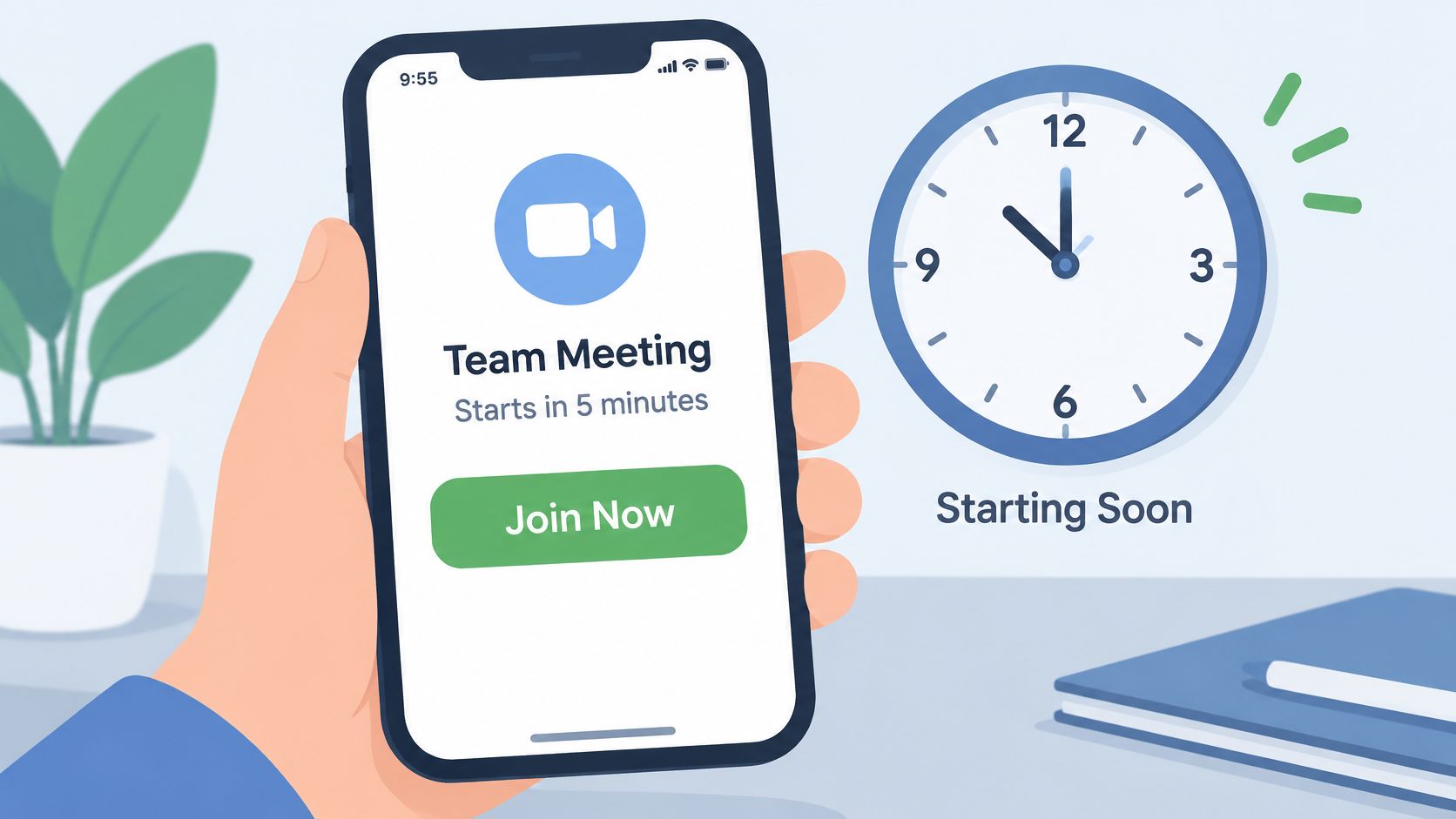
Don’t recap the agenda here. The prospect is between calls, probably on a phone, and needs one thing in the first line. The join link.
Send window: 1 to 2 hours before for scheduled calls, or 15 to 30 minutes before a live video meeting. Earlier same-day emails get buried by mid-morning. Later ones arrive after the prospect has already drifted into another task.
Copy this version
Subject: Starting in 15 minutes, your join link
Hi [First name], we start at 2:00 p.m. CT. Join here: [link]. Trouble connecting? Call me at [number] and I’ll bring you in. [Rep name]
That fallback number matters. An enterprise rep sending this to a traveling executive should include the dial-in as plain text, not only a button, because buttons break in some mobile clients and in forwarded invites.
Failure mode: sending it after the meeting moved. Suppress this reminder automatically if the attendee already joined, rescheduled, or canceled. Nothing signals sloppy ops like a “starting soon” email for a call that no longer exists.
Pair it with the 24-hour email rather than choosing between them. The first secures commitment, this one removes friction. If you can only automate one, I’d keep this one and shorten booking lead times instead.
3. Confirmation and Reminder Combined Email with Reschedule Option
The strongest reminder is sent at booking, while intent is highest. This message confirms the meeting, lands the invite on both calendars with the video link, and tells the prospect exactly what happens if plans change.
Send window: immediately after booking, within a minute. Delay kills it. A confirmation that arrives an hour later reads like an afterthought and gives the prospect time to double-book.
Copy this version
Subject: Booked, [Meeting type] on [Day, Date] at [Time and time zone]
Hi [First name], you’re booked for [Date] at [Time]. I’ve sent the calendar invite with the join link. We’ll cover [topic one], [topic two], and [next step]. Need a different time? Reschedule in one click: [link]. Anyone else who should join? Forward them the invite.
Lead time is the variable this email can’t fix alone. An analysis reported a 23% no-show rate for meetings scheduled eight or more days out, versus 6.9% for same-day meetings in GrowLeads’ summary of 6,428 B2B meetings. Offer same-day or next-business-day slots first, then let reminders protect the shorter gap.
- Reschedule placement: put the link in the body, not only inside the calendar invite.
- Colleague prompt: ask once, at booking, while the prospect is still organizing stakeholders.
- Detail limit: save prep requests for a later email so the confirmation stays scannable.
Failure mode: hiding the reschedule path because you’re afraid people will use it. They’ll move anyway. A one-click move saves the opportunity, a silent no-show doesn’t.
4. Pre-Meeting Preparation Reminder
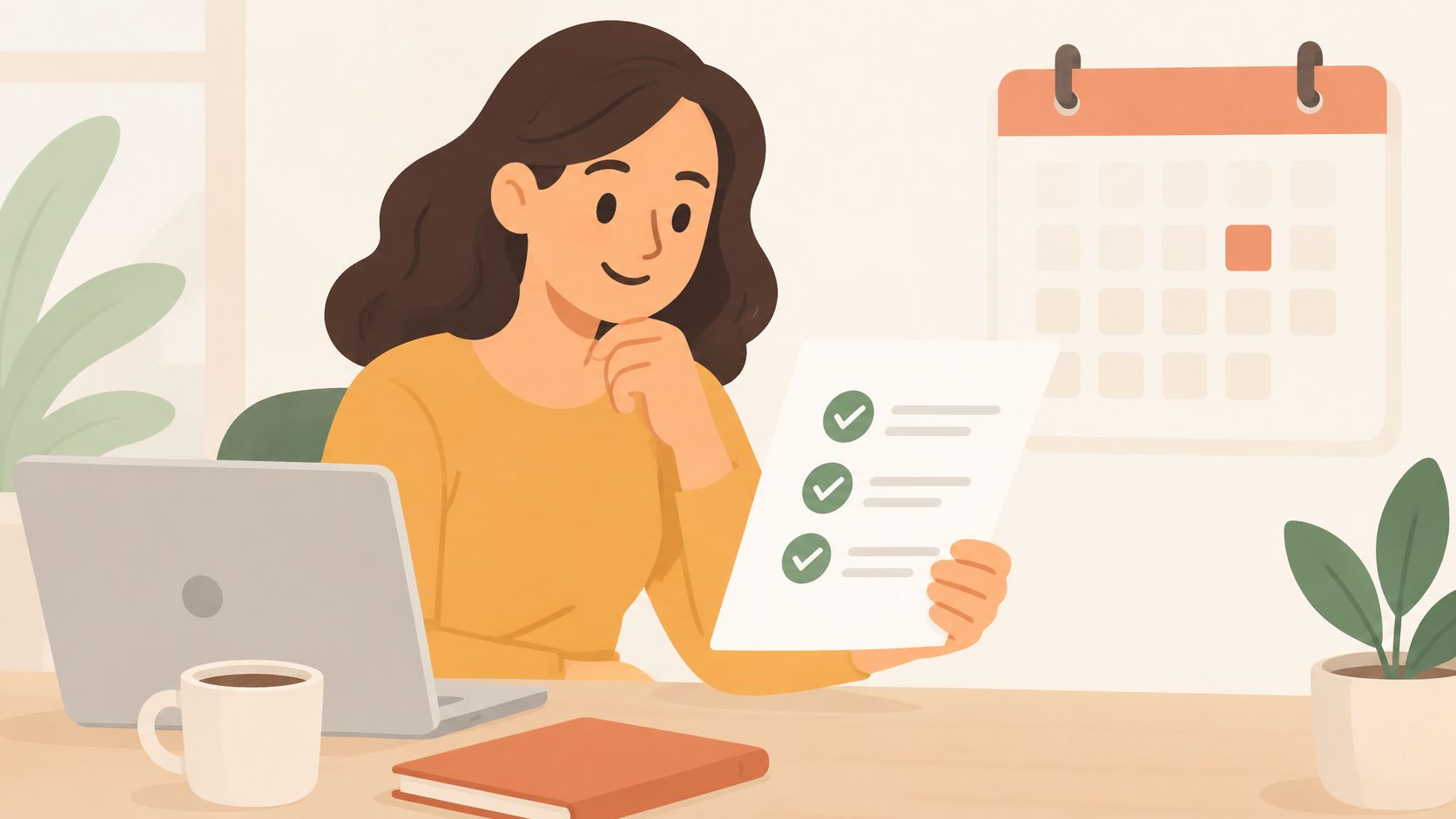
A prep reminder does two jobs. It confirms the meeting and qualifies it. Used well, the rep walks in with the prospect’s current tools, goals, and decision makers already named. Used badly, it’s homework, and busy prospects skip homework.
Send window: 1 to 3 days before a discovery or strategy call. Any earlier and the answers go stale. Any later and there’s no time to tailor the conversation.
Copy this version
Subject: Two quick things before Thursday
Hi [First name], looking forward to Thursday at 11:00 a.m. ET. To make it useful, could you reply with 1) how you handle [process] today, 2) the outcome you need this quarter, and 3) who else signs off? One line each is fine. Join link: [link]. Need to move it? [Reschedule link]
Those prompts mirror strong discovery questions in sales without turning the email into a form. Say a software rep asks how reporting works today. The reply, even two sentences, lets the rep open on the prospect’s workflow instead of a generic feature tour.
Limit requests to three, say why each one matters, and always offer the reply option. An attached questionnaire gets ignored. The Approved Lux Personal Assistant meeting checklist takes the same short-list approach for preparation.
Failure mode: asking for documents. You’re not entitled to a data room before a first call. Ask for answers the prospect can type between meetings.
5. Product Demo Setup Reminder with Screen Share Instructions
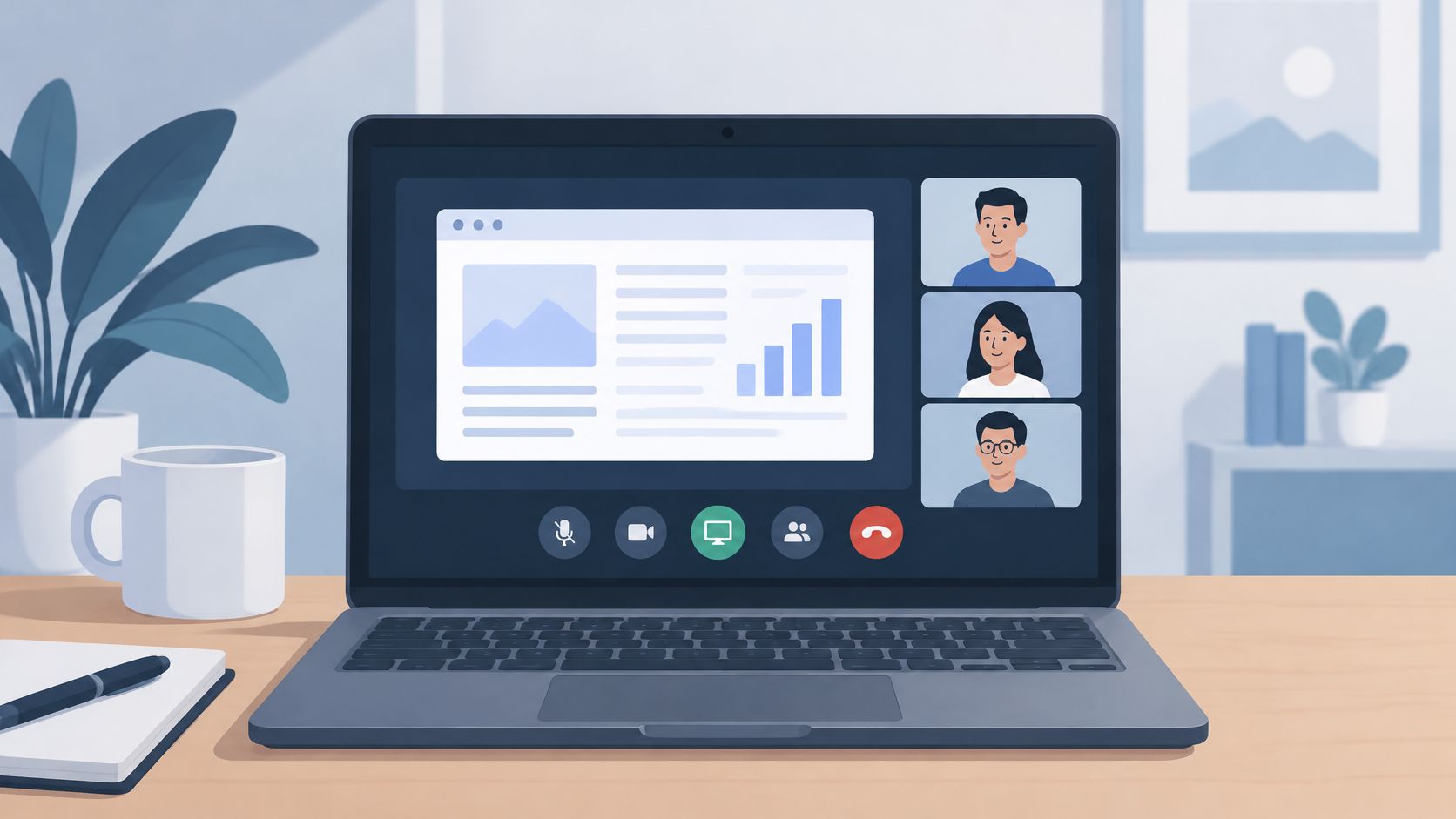
Technical friction in the first three minutes sets the tone for the whole demo. The prospect can’t share a screen, audio routes to the wrong headset, IT blocks a download. This reminder removes those problems the day before, when they’re cheap to fix.
Send window: 24 hours before the demo, or with the confirmation if the demo is booked same day.
Copy this version
Subject: Your demo tomorrow, no download needed
Hi [First name], we’re set for tomorrow at 1:00 p.m. PT. Join here: [link]. We’ll run it in your browser, no install required. I’ll share my screen first, then we’ll look at your workflow if you’re comfortable. Headset recommended. Blocked? Call [number].
If your session uses co-browsing, explain in one plain sentence what the prospect will see and what you can and can’t access. A clear explanation of how screen sharing works prevents the awkward permission pause that eats demo time.
- Browser note: name the supported browsers if there’s a real limitation, otherwise skip it.
- Device note: tell mobile joiners what they’ll miss, and offer the reschedule link.
- Backup plan: one phone number beats a help-center link at minute zero.
Failure mode: a wall of system requirements copied from IT docs. Prospects don’t read it, and it makes an easy call look complicated. Three short lines beat a checklist nobody opens.
6. Missed Meeting Recovery Reminder
A missed meeting is a chance to make rebooking easy, not to demand an explanation. Keep the message neutral, offer specific times, and leave the prospect an easy way to choose another slot. A guilt-driven subject line can make replying less appealing.
Send window: 15 to 30 minutes after the missed start, once you’ve checked the room, the invite, and any reschedule notice. Send while the meeting is still recent, but verify the calendar first so you don’t write to someone who already moved the appointment.
Copy this version
Subject: Let’s find a new time
Hi [First name], looks like the timing didn’t work today, no problem. Want to try tomorrow at 10:30 a.m. ET or Thursday at 2:00 p.m. ET? Or pick any slot here: [booking link]. I’ll hold the notes from our last chat so we can pick up fast. [Rep name]
Two specific options make the reply simple: the prospect can choose one, suggest another, or use the booking link. Keep the times realistic for your calendar, and include the link as an alternative rather than making it the only path. The aim is to restart the conversation, not to fill the email with an apology. This is one practical response to why demo no-shows hurt sales and how to fix them.
If there’s no response, make at most two recovery attempts, then move the lead to nurture without pressure. For a missed renewal call, adapt the template by replacing the held-notes line with the renewal date and usage summary. Keep the same neutral tone and clear next step.
Failure mode: sending the recovery email to someone who attended or rescheduled through the calendar. Check attendance and calendar status first. That mistake undermines trust and makes the prospect correct a problem your team could have caught.
7. Executive Briefing Reminder for C-Level and VP Attendees
Executives don’t need your agenda. They need the decision, the time cost, and confidence the meeting won’t drift. Send this from a named peer, a sales leader or founder, not from an automation alias.
Send window: the afternoon before, or early morning on the day for afternoon meetings. Executives triage at those moments, and a short email survives triage.
Copy this version
Subject: Tomorrow, 30 minutes on [business outcome]
[First name], confirming tomorrow at 9:00 a.m. ET, 30 minutes. We’ll decide on [implementation timing] and the cost case for [team or region]. Join link: [link]. If your morning shifts, my team can move us in one click: [link]. [Senior sender name and title]
Say a sales leader writes to a CFO. The email leads with savings and timing, states the 30-minute boundary, and skips feature language entirely. Under 75 words is the right ceiling.
Don’t stack reminders to senior people. One precise email from a peer beats three automated nudges from a system address.
Risk should drive frequency, not habit. Guidance summarized by Koji on reducing no-shows supports multiple digital notifications over a single reminder, but that logic fits high-volume bookings, not a CFO briefing where extra touches read as neediness.
Failure mode: operational clutter. Prep lists, platform instructions, and five bullet points belong in an email to the executive’s team, not to the executive.
How the seven meeting reminder email types compare
Use the send window to match the reminder to its job. The table pairs each type with its timing, goal, best fit, and setup effort, so you can choose a ready-to-adapt approach without treating every meeting the same.
| Item | Send Timing | Primary Goal | Best For | Automation Effort |
|---|---|---|---|---|
| 24-Hour Advance Meeting Reminder | 24 hours before, in the recipient’s morning | Confirm attendance and reduce no-shows | Discovery calls and demos booked in advance | Low |
| Same-Day Starting Soon Reminder | 1–2 hours before, or 15–30 minutes before live calls | Prompt the attendee to join | Live video demos and time-sensitive executive calls | Moderate |
| Confirmation and Reminder Combined Email with Reschedule Option | Immediately after booking | Confirm the meeting and set expectations | Teams booking meetings through websites or inbound forms | Low |
| Pre-Meeting Preparation Reminder | 1–3 days before | Gather context and improve meeting quality | Discovery calls, product walkthroughs, and enterprise evaluations | Moderate |
| Product Demo Setup Reminder with Screen Share Instructions | 24 hours before, or with the confirmation for same-day demos | Reduce technical friction | Software demos, co-browsing, and non-technical buyers | Moderate |
| Missed Meeting Recovery Reminder | 10–30 minutes after the missed start | Recover the meeting and preserve the opportunity | Teams with high-value prospects who missed meetings | High |
| Executive Briefing Reminder for C-Level and VP Attendees | Afternoon before, or early morning on the day for afternoon meetings | Reinforce business outcomes and encourage attendance | Enterprise deals and senior-stakeholder evaluations | Moderate |
Timing is only useful when the message fits the meeting. A short starting-soon note should make joining easy; a preparation reminder should give the attendee enough time to gather context. For each type, keep a ready-to-paste subject and body alongside its send window, then adjust the details to the meeting.
Watch for the failure mode in each case: a reminder sent too early can be forgotten, while a late or overly detailed email can create friction instead of reducing it. Set automation effort against the value of the meeting and the information the attendee needs.
Build a Reminder Sequence That Holds Attendance
Start with three templates, not seven. Install the immediate confirmation with reschedule link, the 24-hour advance reminder, and the same-day join email. Add the missed-meeting recovery note in week two. That sequence covers commitment, friction, and salvage, which is where almost every avoidable no-show lives.
Measure the sequence like an operator, not like a marketer. Track show rate, reschedule rate, cancellation rate, and time to reschedule by lead source, rep, meeting type, and booking lead time. Open rate tells you the subject line worked, it doesn’t tell you anyone showed up.
Be honest about what the evidence supports. The Cochrane Collaboration review of email for healthcare appointments found no studies met its inclusion criteria, so it couldn’t calculate an email-specific effect. That doesn’t make email useless. It means you shouldn’t borrow a percentage from another channel and promise it to your VP. Run your own cohorts, change one variable at a time, and keep the variant that produces attended meetings.
Two upgrades separate professional sequences from generic ones. First, shorten the gap between booking and conversation wherever you can, through instant meetings or same-day slots, because reminders protect short gaps far better than long ones. Second, make every email usable on a phone and with a screen reader, descriptive link text instead of raw URLs, short paragraphs, plain-text fallback, and no sensitive deal details that could embarrass the prospect if the message is forwarded.
If you want to see the booking side handled end to end, book a 30-minute demo built around your own website and traffic, or email hello@captiwate.com with questions about setting up reminders. We’ll show you how the invite lands on both calendars with the joining link included, so your reminder emails start from a confirmation the prospect already trusts.
If missed demos are leaking pipeline you already paid to create, Captiwate can help you engage high-intent visitors instantly in the browser, book them with click-to-meet scheduling, and keep the meeting anchored on both calendars with automated follow-up. Visit the site to book a 30-minute walkthrough on your own website and see the full booking-to-reminder flow with your traffic.