A prospect lands on your pricing page late in the evening, reads a couple of paragraphs, and leaves. Your team sees the visit the next morning. By then, the buyer’s comparing another vendor, and your follow-up asks them to repeat questions they wanted answered while they were on your site.
Buyers are tired of forms, waiting, and conversations that start from scratch. In the Salesforge case study, demos booked rose 30% from the same website traffic once visitors could talk to a person in the moment. That’s a useful result, not a promise that adding a chat widget will fix an unclear offer or an unprepared sales team.
The practical challenge is deciding when to offer help, what to say when someone accepts, and how to preserve their context afterward. A pricing-page visit isn’t permission to launch a pitch. It’s a reason to make relevant assistance easy to find.
The operating principle: Use technology to recognize the moment and prepare the seller. Let the human conversation establish fit and trust.
These virtual selling best practices connect the buyer’s first signal to a useful conversation, a booked next step, and a clean CRM record. Start with preparation, make the interaction worth attending, and keep every handoff grounded in what the buyer said.
Table of Contents
- 1. Research the Account and Plan a Buyer-Centric Agenda Before Every Call
- 2. Optimize Video and Audio Presence for Trust and Clarity
- 3. Structure the Call with a Time-Boxed Discovery Flow
- 4. Use Screen Sharing and Co-Browsing to Guide Product Walkthroughs
- 5. Engage Buyers Actively with Questions, Pauses, and Interactive Elements
- 6. Respond Fast to High-Intent Signals (Speed-to-Lead)
- 7. Make Scheduling Frictionless and Reduce No-Shows
- 8. Close the Loop with CRM Hygiene, Recap Emails, and Mutual Action Plans
- How the eight virtual selling practices compare by buyer moment, tool, and outcome
- Turn Every Virtual Call Into a Booked Next Step
1. Research the Account and Plan a Buyer-Centric Agenda Before Every Call
The moment is just before you accept an inbound conversation or join a booked meeting. Open the account record, review the triggering page, and check what’s already known. Don’t make someone wait while you assemble a complete company dossier.
For a scheduled meeting, review the company website, the buyer’s role, relevant announcements, and previous interactions. For an immediate conversation, prioritize the account, the page, and the question. Treat visitor identification as account context, not proof that you know the individual browsing.
Keep that context visible beside your call window.
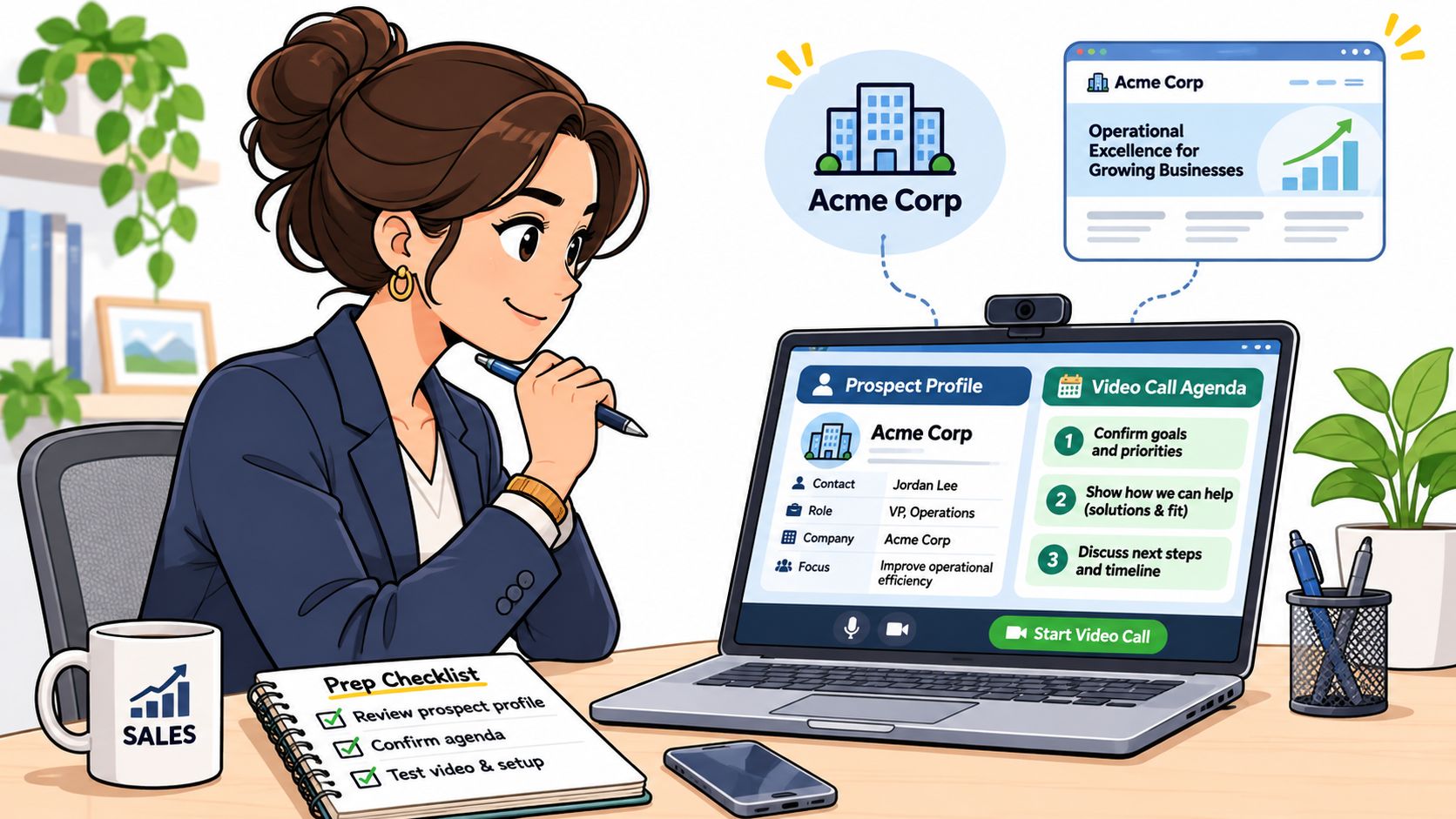
Say a visitor from a logistics company opens pricing after reviewing integrations. A useful opening asks whether they’re comparing plan costs or checking how the product fits their existing systems. A generic company presentation answers neither question.
Prepare a hypothesis, not a conclusion
Write a short agenda around the trigger, the buyer’s current process, and the decision they need to make. Confirm it aloud before proceeding, and let the buyer replace it.
- Company context: Note the business model and any relevant change.
- Likely responsibility: Check the contact’s role without assuming purchasing authority.
- Reason for contact: Record the page or request that prompted the conversation.
- Opening question: Ask what they need to understand before moving forward.
Keep behavioral detail out of your opening. Saying you noticed repeated browsing can feel intrusive. Use that information to prepare a relevant question, not to demonstrate how closely you can track someone.
2. Optimize Video and Audio Presence for Trust and Clarity
A buyer shouldn’t have to work to hear your answer. Clear audio comes before polished video, especially when someone joins from a busy office or an unreliable connection.
Before making yourself available, record a short microphone test and listen through headphones. Check the selected input, remove echo, and move the microphone away from keyboard noise. If you need to cut background noise on client calls, fix the room and microphone position before relying entirely on software filtering.
Make the setup comfortable enough that you can focus on the buyer.

Remove distractions before the buyer arrives
Place your camera near eye level and put a light source in front of you. Close unrelated tabs, silence notifications, and open only the material you might share. Look toward the camera when greeting the buyer, then return your attention to their reactions.
For example, an SDR taking an inbound conversation from a shared workspace should use a headset rather than laptop speakers. If the connection deteriorates, stop sharing video before letting broken audio derail discovery.
- Audio fallback: Know how to switch microphones without ending the call.
- Screen readiness: Keep customer records and private messages out of view.
- Buyer choice: Offer audio or chat if video doesn’t suit their situation.
Don’t confuse camera compliance with engagement. Someone keeping their camera off may still be your most serious buyer. Offer a comfortable channel, then judge the conversation by the questions, decisions, and next steps.
3. Structure the Call with a Time-Boxed Discovery Flow
The moment is immediately after the greeting. Confirm how much time the buyer has and what they want to resolve. An unexpected website conversation needs a lighter structure than a scheduled evaluation.
Start with their reason for engaging, explore the current process, and only then explain the relevant value. Reserve space for a decision about what happens next. If discovery takes longer than expected, shorten the presentation rather than rushing the buyer’s answers.
Use a focused set of discovery questions in sales to prepare follow-ups, not to turn the conversation into an interrogation.
Follow the problem before qualifying the deal
Say a buyer asks whether your product integrates with their CRM. Answer the basic question directly, then ask what information needs to move between systems. That reveals whether they need standard synchronization, custom fields, or a more involved technical review.
A practical flow looks like this:
- Confirm the purpose: Establish what would make the conversation useful.
- Understand the process: Ask how the team handles the task today.
- Explore the consequence: Find out what breaks, slows down, or creates extra work.
- Test relevance: Connect the problem to a specific capability.
- Agree on an action: Name the next decision and who needs to participate.
Don’t demand budget, authority, and timeline before providing a useful answer. Those details matter, but they need context. A buyer asking a straightforward pricing question shouldn’t have to complete your qualification script first.
End with either a concrete next step or an honest conclusion that there isn’t a fit. A qualified no is more useful than a vague follow-up.
4. Use Screen Sharing and Co-Browsing to Guide Product Walkthroughs
When the buyer asks how something works, show the relevant workflow rather than narrating the entire product. Confirm the task before opening your screen.
Use the buyer’s question to choose what appears in the walkthrough.
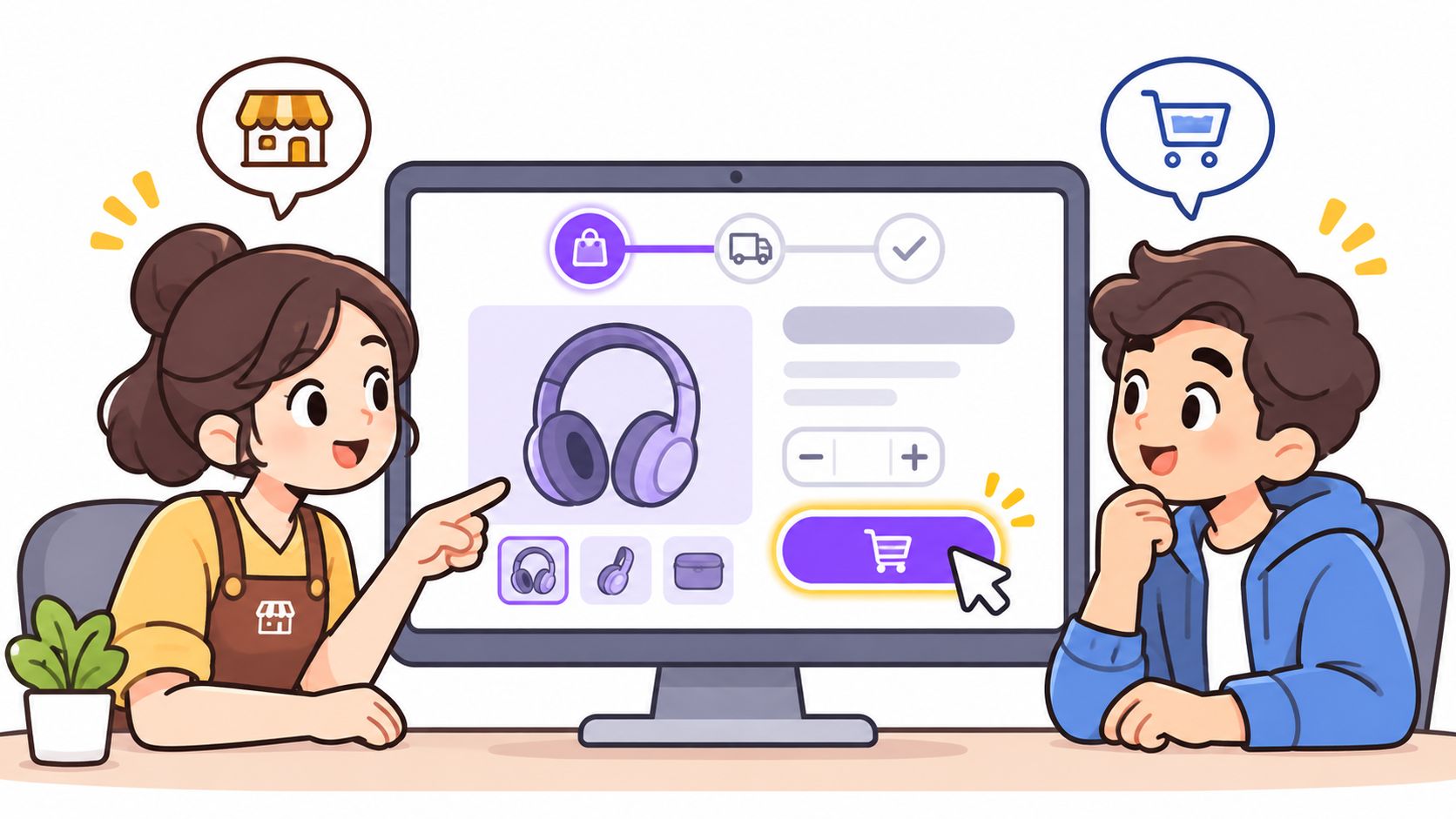
For example, a buyer comparing plans may need help understanding which package supports their workflow, not a tour of every dashboard. Open the relevant plan information, explain the dependency, and ask them to describe how their team would use it.
Gartner’s B2B buying report found that buyers were 1.8 times more likely to complete a high-quality deal when they used supplier-provided digital tools together with a sales representative. The practical application is guided evaluation, not more seller screen time.
Let the buyer participate
Use screen sharing when you need to demonstrate a controlled environment. Use co-browsing when the buyer should explore the page while you guide them. Agree on what’s visible, and never ask them to expose passwords, payment details, or unrelated customer information.
This video provides a visual reference alongside the walkthrough.
Pause at the decision point. Ask whether the workflow matches their process and what would need to change. If they identify a gap, investigate it rather than clicking past it.
A useful demo helps the buyer test a decision. A feature tour merely proves that the seller knows where to click.
5. Engage Buyers Actively with Questions, Pauses, and Interactive Elements
Silence after a question isn’t a problem you need to fix immediately. Buyers may be thinking, checking a detail, or deciding how candid to be.
The moment to invite participation is before you assume understanding. Ask a specific question, stop speaking, and leave room for the answer. Don’t ask whether everything makes sense and then continue before anyone responds.
For example, after showing a routing workflow, ask where an unassigned lead would go in the buyer’s current process. Their answer can reveal ownership gaps that a generic satisfaction check would miss.
Make participation useful, not performative
Match the interaction to the decision. Chat works well for collecting questions during a group demonstration. A buyer-led screen share helps when the current workflow is difficult to explain verbally.
- Ask about consequences: Explore what happens when the current process fails.
- Reflect their meaning: Summarize the problem and invite correction.
- Include quieter stakeholders: Ask for the operational or technical perspective without putting someone on the spot.
- Capture unresolved questions: Assign an owner instead of improvising an answer.
A smooth presentation doesn’t establish purchasing confidence. In its 2024 State of Business Buying findings, Forrester reported that more than 80% of global business buyers were dissatisfied with the provider they selected at the end of the purchase process.
Don’t treat polite agreement as validation. Ask what could prevent implementation, who might challenge the recommendation, and what evidence those people would need. Those answers are more useful than applause for the demo.
6. Respond Fast to High-Intent Signals (Speed-to-Lead)
The trigger is a meaningful sign of evaluation, not a website visit. Pricing questions, requests for help, and relevant account activity deserve different treatment from casual browsing.
Define which signals justify immediate assistance and who owns them. A rep needs the account context, triggering page, and available conversation history in the alert. An unexplained notification creates another research task instead of a fast response.
Keep the response relevant to what the visitor is trying to do.
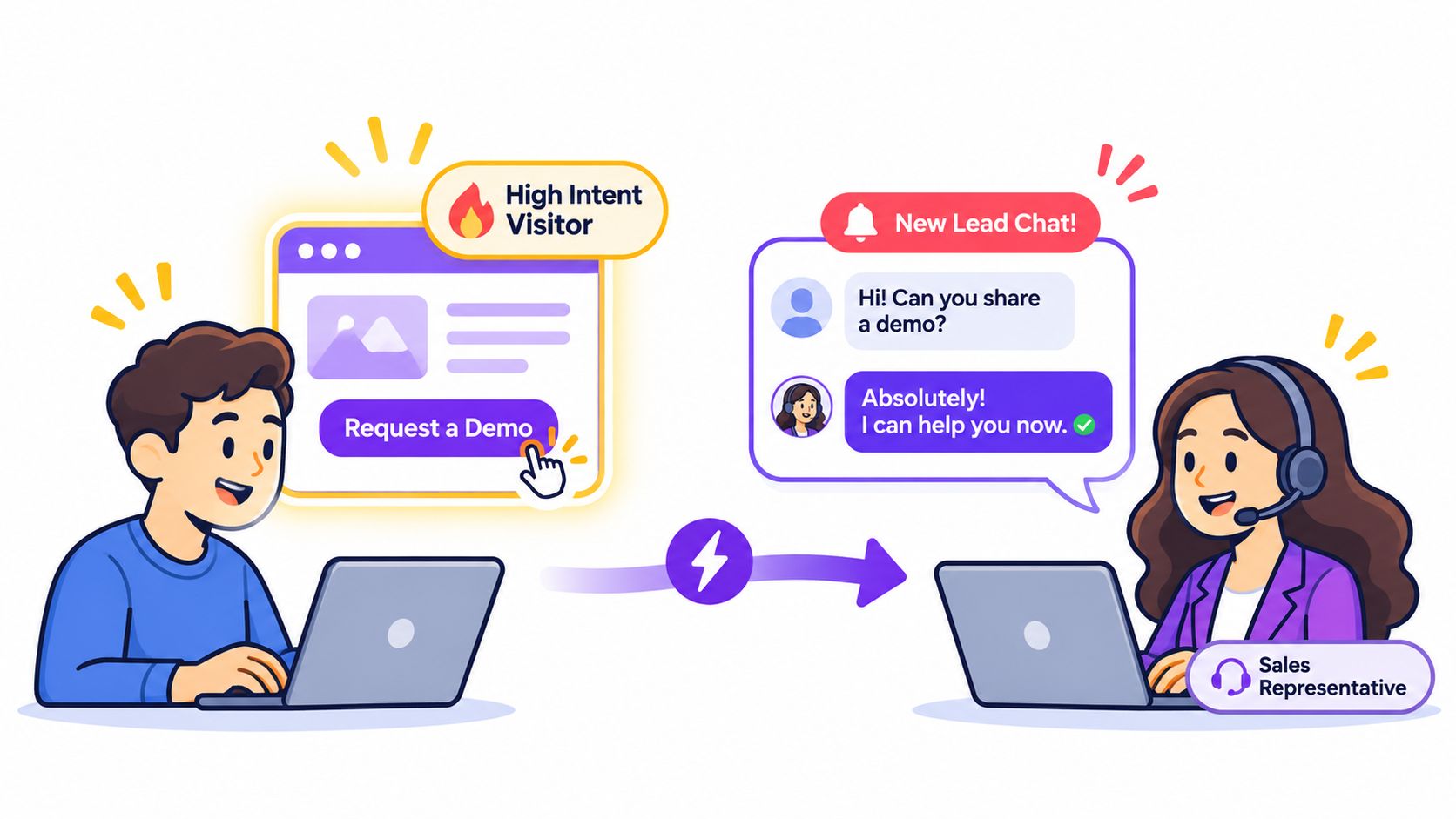
For example, route a target account’s pricing inquiry to its owner when available. If that person can’t respond, use a defined backup rather than leaving the visitor waiting. After hours, let chat answer routine questions and offer a booked conversation for anything requiring judgment.
Offer help without interrupting research
Gartner’s 2025 sales survey found that 61% of B2B buyers preferred an overall rep-free buying experience, based on a survey conducted in August and September 2024. Fast assistance should remain an option, not a barrier to viewing information.
Build your speed-to-lead process around clear operating rules:
- Trigger: Specify the behavior and account fit that justify an alert.
- Owner: Assign a primary rep and an available fallback.
- Coverage: Distinguish staffed hours from automated assistance.
- Measurement: Track time to useful response, not merely an automated greeting.
Set a response target your team can cover. Don’t promise immediate access while routing every conversation to an unattended queue.
7. Make Scheduling Frictionless and Reduce No-Shows
A buyer agrees that a technical demonstration would help. Book it while you’re still talking, rather than sending an open-ended email asking when they’re free.
Confirm the purpose, required attendees, and time zone before choosing a slot. Check that the calendar invitation includes a working meeting link and the same outcome you agreed verbally. A calendar event with no context is easy to deprioritize.
For example, if integration fit is the unresolved issue, invite the buyer’s systems owner and your product specialist. Don’t book a general demo with an account executive who’ll need to schedule another technical call.
Give the buyer a reason to attend
Use a sample meeting reminder email as a starting point, then replace generic language with the buyer’s actual question. Explain what you’ll resolve and what information, if any, they should bring.
- Purpose: State the decision the meeting should support.
- Participants: Include the people who can answer or approve.
- Preparation: Request only information necessary for that conversation.
- Rescheduling: Make changing the appointment straightforward.
Attendance rule: Make the meeting worth keeping before you remind someone to keep it.
Avoid stacking reminders that repeat the same empty message. A useful reminder can confirm an agenda, answer a pending question, or explain why a specialist is joining.
If someone misses the meeting, send a neutral note with a simple rescheduling option. Don’t use guilt or pretend urgency. If the project has paused, record that instead of repeatedly pushing a meeting the buyer no longer needs.
8. Close the Loop with CRM Hygiene, Recap Emails, and Mutual Action Plans
After a call, capture what the buyer said, what you verified, and what remains uncertain before another task takes your attention. Keep facts separate from interpretation. A buyer saying they’ll review pricing is not budget approval, and attending a demo does not make someone the decision-maker.
After discovery, record the buyer’s current process, stated problem, relevant stakeholders, and agreed next action. If nobody has tested technical compatibility, mark it unresolved.
Write a record another rep can use
A CRM record should let a colleague continue without restarting discovery. Capture the essentials consistently:
- Buyer priorities: Use the buyer’s wording where possible.
- Evidence: Separate demonstrated capabilities from assumptions.
- Open risks: Note implementation, procurement, and stakeholder questions.
- Next action: Assign an owner, due date, and expected outcome.
- Handoff context: Explain why the next participant is needed.
Send a recap that matches the CRM notes. Keep the buyer-facing version concise enough to forward internally, and invite corrections so the record reflects what the buyer agreed.
For an active evaluation, build a mutual action plan around buyer decisions, not seller tasks. Give technical validation, stakeholder review, and procurement an owner and an agreed completion condition. That makes progress visible without treating activity as proof of a decision.
Review automated summaries before saving them. Automation can transfer information; the seller remains responsible for its accuracy. Advance an opportunity stage only when the buyer has completed the decision that stage represents, not because a meeting took place. A Sales Montana CRM overview can serve as a reference when assessing how your team organizes sales records.
How the eight virtual selling practices compare by buyer moment, tool, and outcome
| Item | Best Moment in the Buyer Journey | Core Tool or Action | Primary Outcome |
|---|---|---|---|
| Research the Account and Plan a Buyer-Centric Agenda Before Every Call | Before the first call | Review account and intent signals; prepare a short agenda | A relevant, credible opening |
| Optimize Video and Audio Presence for Trust and Clarity | Before and during virtual meetings | Set up clear audio, good lighting, and an eye-level camera | Build trust and improve clarity |
| Structure the Call with a Time-Boxed Discovery Flow | During discovery and qualification | Use a timed agenda, focused questions, and a defined next step | Keep the call efficient and outcome-focused |
| Use Screen Sharing and Co-Browsing to Guide Product Walkthroughs | During product evaluation | Share the screen or co-browse through a tailored workflow | Make product value concrete and engaging |
| Engage Buyers Actively with Questions, Pauses, and Interactive Elements | Throughout virtual conversations | Ask open questions, pause, and invite buyer input | Surface priorities and maintain engagement |
| Respond Fast to High-Intent Signals (Speed-to-Lead) | When a buyer shows active interest | Route real-time alerts to a rep or AI chat | Connect while buyer intent is high |
| Make Scheduling Frictionless and Reduce No-Shows | After interest or a positive conversation | Offer direct booking, calendar sync, and reminders | Secure meetings with less friction and fewer no-shows |
| Close the Loop with CRM Hygiene, Recap Emails, and Mutual Action Plans | After each call | Update the CRM and send a recap with agreed next steps | Maintain deal momentum and team alignment |
Turn Every Virtual Call Into a Booked Next Step
The strongest virtual selling best practices make it easier for a buyer to get an answer and decide what to do next. They don’t require every visitor to speak with sales or every conversation to become an opportunity.
Technology can surface a pricing-page visit, route a question, and carry context into the CRM. Trust still depends on the person who listens, answers, and follows through. A fast response followed by a generic pitch is still a poor buying experience.
Put the process to work this week
Start by auditing a high-intent page. Open it as a buyer would and check whether pricing, product information, and assistance are easy to find. Look for places where someone must submit a form just to answer a routine question.
Next, define a response-time target and assign coverage. Decide which signals merit human help, which questions self-service can answer, and what happens when nobody’s available. Make the fallback explicit so the buyer doesn’t mistake an unattended channel for live support.
Then standardize the conversation without scripting every sentence:
- Prepare from context: Review the account and triggering question.
- Confirm the purpose: Ask what the buyer needs to resolve.
- Demonstrate selectively: Show only what helps test fit.
- Agree on the next decision: Confirm the owner and participants.
- Preserve the outcome: Update the CRM and send the recap.
Review conversations for usefulness, not just activity. Check whether the rep answered the original question, uncovered a relevant problem, and secured a next step the buyer wanted. Also inspect conversations that ended without meetings, because a clear answer may have been the right outcome.
Keep the first rollout narrow enough to manage. Fix routing, coverage, and record quality before expanding prompts across the website. Otherwise, you’ll create more conversations without giving sellers the capacity to handle them well.
If you’re evaluating Captiwate, we offer a 30-minute walkthrough on your own website with your own traffic. That gives you a concrete way to examine the visitor journey, discuss routing and handoffs, and see which plan fits your traffic. Bring the page where buyers most often need help, along with the question your team struggles to answer quickly.
Captiwate connects website visitors with sales through in-browser video, chat, and AI qualification, then carries conversations and bookings into your CRM. Visit Captiwate to book a demo built around your website and work through the path from a high-intent visit to a useful conversation and a recorded next step.